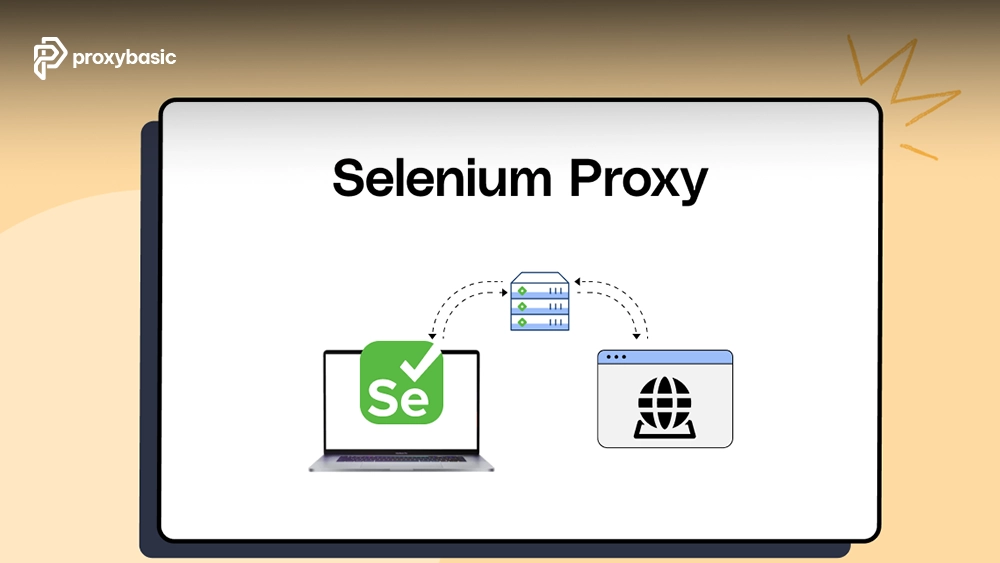
A Selenium proxy helps developers, testers, and automation teams route browser traffic through alternative IP addresses during web automation workflows. By combining Selenium with residential or rotating proxies, you can improve location testing accuracy, reduce IP-based restrictions, and create more reliable automation environments.
If you are planning a new setup process for Selenium automation, understanding proxy configuration early can prevent many common connection and reliability issues.
What Is a Selenium Proxy & How Does It Work?
A Selenium proxy is an intermediary server that sits between your automated browser and the destination website. Instead of sending requests directly from your machine or cloud instance, Selenium routes browser traffic through the proxy server.
The traffic flow typically follows this path:
Selenium Script
↓
WebDriver
↓
Proxy Server
↓
Target Website
When the browser sends a request, the proxy forwards it to the destination website. The website sees the proxy IP address rather than the original machine running Selenium.
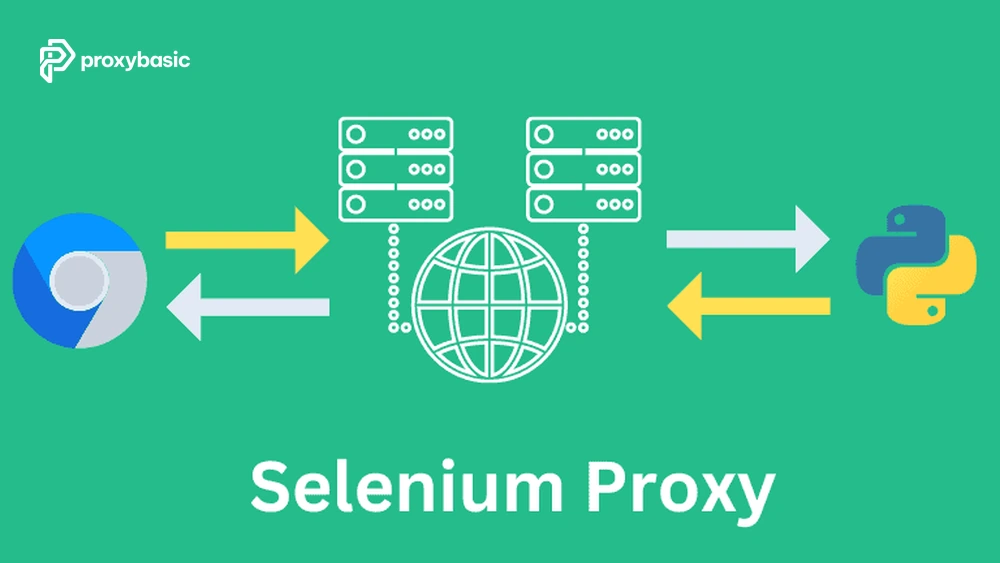
This architecture is commonly used for browser testing, location validation, web monitoring, quality assurance, and large-scale automation projects. During broader Setup & Integration planning, teams often evaluate proxy location coverage, session persistence, and authentication methods before selecting a provider.
Residential vs. Datacenter Proxies for Selenium
Residential and datacenter proxies both work with Selenium, but they differ significantly in how websites perceive their traffic.
|
Feature |
Residential Proxy |
Datacenter Proxy |
|
IP Source |
ISP-assigned residential device |
Cloud or hosting provider |
|
Trust Level |
High |
Moderate |
|
Detection Risk |
Lower |
Higher |
|
Geographic Diversity |
Extensive |
Limited by provider locations |
|
Cost |
Higher |
Lower |
|
Session Authenticity |
Strong |
Moderate |
|
Suitable for Localized Testing |
Excellent |
Good |
Residential IPs typically provide stronger trust signals because they originate from real internet service providers. Datacenter proxies remain useful for many automation workloads, especially when cost and speed are primary considerations.
For highly protected websites, localized search testing, regional content validation, or advanced anti-bot environments, a Selenium residential proxy is often the preferred option.
Prerequisites: What You Need Before Coding
Before a Selenium proxy Set Up process, gather the following information:
- Proxy host address
- Proxy port number
- Username (if authentication is required)
- Password (if authentication is required)
- Proxy protocol (HTTP, HTTPS, SOCKS5)
- Selenium version
- ChromeDriver or browser driver version
- Browser version compatibility
- Target website or application
- Local development environment
Keeping these details available before implementation helps avoid unnecessary troubleshooting later.
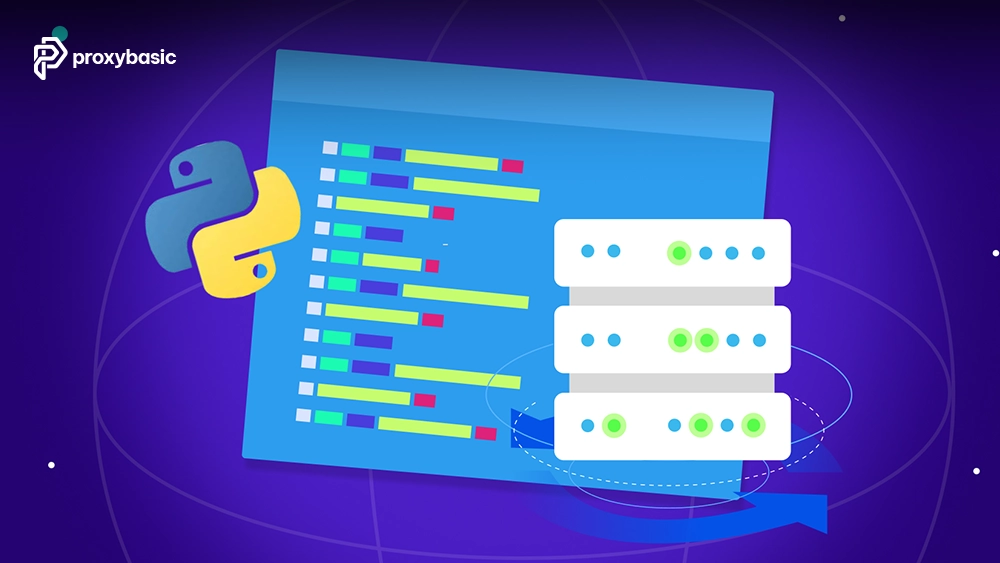
Configure a Selenium Proxy in Python
Python remains one of the most popular languages for Selenium automation because of its simplicity and extensive ecosystem.
Example A: Basic Configuration (No Auth)
If your proxy uses IP whitelisting or does not require authentication, Chrome can be configured directly through command-line arguments.
from selenium import webdriver
from selenium.webdriver.chrome.options import Options
proxy_host = “123.45.67.89”
proxy_port = “8080”
chrome_options = Options()
chrome_options.add_argument(
f’–proxy-server=http://{proxy_host}:{proxy_port}’
)
driver = webdriver.Chrome(options=chrome_options)
driver.get(“https://httpbin.org/ip”)
print(driver.page_source)
driver.quit()
In this example, all browser traffic passes through the specified proxy endpoint. This method works well for public proxies, internal proxies, and IP-whitelisted residential networks.
Example B: Authenticated Residential Proxy
Many premium residential and rotating proxy providers require explicit username and password authentication. Because modern Chromium-based browsers do not natively support inline credentials (http://user:pass@host:port) via the –proxy-server CLI flag, developers must use a workaround.
Depending on your architecture, you can handle authentication using an elegant third-party wrapper or via a native Chrome extension.
Option 1: Using Selenium-Wire (Fastest Implementation)
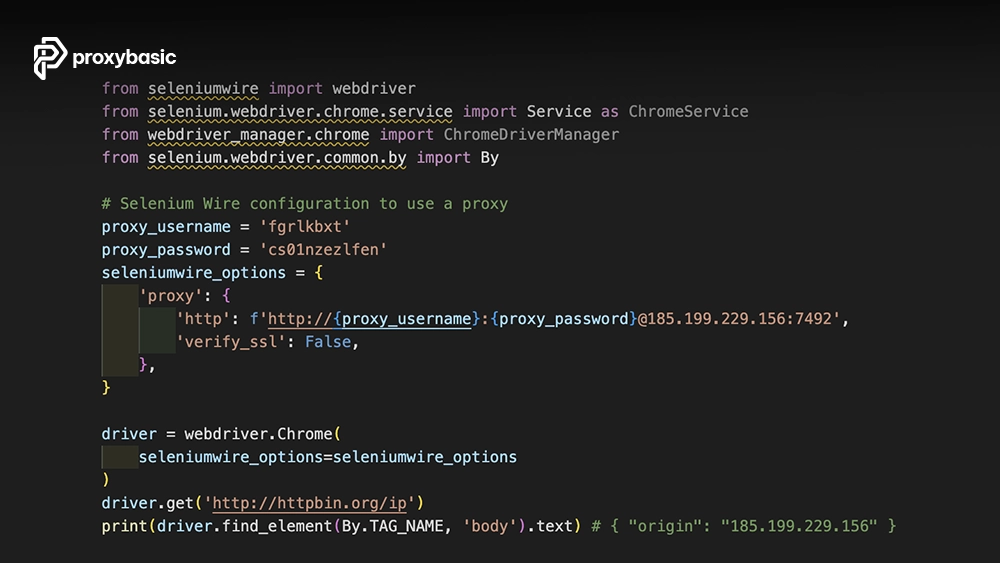
The most developer-friendly solution in Python is to use selenium-wire. This package extends Selenium’s capability by intercepting network requests down the line, allowing you to pass authenticated proxy strings directly in your script.
First, install the package:
pip install selenium-wire
Then, implement your script as follows:
from seleniumwire import webdriver
from selenium.webdriver.chrome.options import Options
proxy_username = “YOUR_USERNAME”
proxy_password = “YOUR_PASSWORD”
proxy_host = “proxy.example.com”
proxy_port = “8000”
seleniumwire_options = {
‘proxy’: {
‘http’: f’http://{proxy_username}:{proxy_password}@{proxy_host}:{proxy_port}’,
‘https’: f’https://{proxy_username}:{proxy_password}@{proxy_host}:{proxy_port}’,
}
}
chrome_options = Options()
driver = webdriver.Chrome(options=chrome_options, seleniumwire_options=seleniumwire_options)
driver.get(“https://httpbin.org/ip”)
print(driver.page_source)
driver.quit()
Option 2: Custom Chrome Extension (Native & High-Performance)
While selenium-wire is simple to write, it handles traffic interception via a local background process which can add minor latency. For production environments scaling across hundreds of concurrent threads, utilizing a lightweight, custom Manifest V3 (MV3) Chrome Extension is the industry-standard approach for native performance.
To implement this, create a temporary directory containing two files that handle proxy routing and credential challenges asynchronously:
manifest.json
JSON
{
“manifest_version”: 3,
“name”: “Proxy Auth MV3”,
“version”: “1.0”,
“permissions”: [
“proxy”,
“tabs”,
“storage”,
“webRequest”,
“webRequestAuthProvider”
],
“host_permissions”: [
“<all_urls>”
],
“background”: {
“service_worker”: “background.js”
}
}
background.js
JavaScript
// Configure the proxy server settings
const config = {
mode: “fixed_servers”,
rules: {
singleProxy: {
scheme: “http”,
host: “proxy.example.com”,
port: 8000
}
}
};
chrome.proxy.settings.set(
{ value: config, scope: “regular” },
function() {}
);
// Handle credential authentication asynchronously in MV3
chrome.webRequest.onAuthRequired.addListener(
function(details) {
return {
authCredentials: {
username: “YOUR_USERNAME”,
password: “YOUR_PASSWORD”
}
};
},
{ urls: [“<all_urls>”] },
[“asyncBlocking”]
);
You can programmatically zip these files within your Python routine and inject the extension straight into your ChromeOptions using chrome_options.add_extension(‘proxy_auth_plugin.zip’) before initializing your standard driver instance.
For teams managing advanced scraping or automation infrastructure, some providers also offer a web unlocker API that combines proxy routing, session handling, and anti-bot mitigation within a single endpoint, reducing the amount of Selenium-side configuration required.
Configure a Selenium Proxy in Java
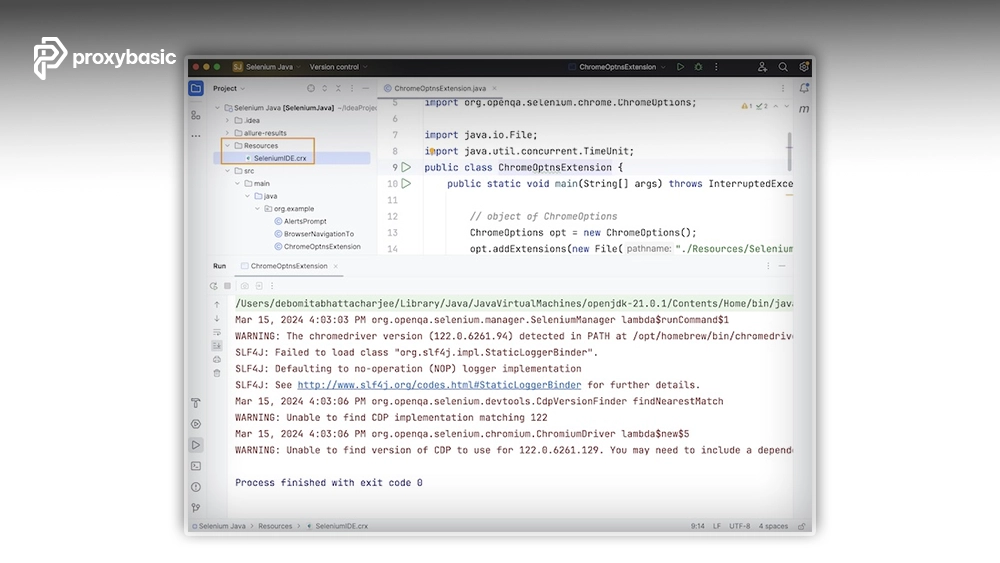
Java developers can configure a proxy with Selenium using the built-in Proxy class provided by Selenium. This approach works for HTTP and HTTPS traffic and integrates directly with ChromeDriver capabilities.
import org.openqa.selenium.Proxy;
import org.openqa.selenium.chrome.ChromeOptions;
import org.openqa.selenium.WebDriver;
import org.openqa.selenium.chrome.ChromeDriver;
public class SeleniumProxy {
public static void main(String[] args) {
Proxy proxy = new Proxy();
proxy.setHttpProxy(“proxy.example.com:8000”);
proxy.setSslProxy(“proxy.example.com:8000”);
ChromeOptions options = new ChromeOptions();
options.setCapability(“proxy”, proxy);
WebDriver driver = new ChromeDriver(options);
driver.get(“https://httpbin.org/ip”);
System.out.println(driver.getPageSource());
driver.quit();
}
}
The Proxy object defines how browser traffic is routed. Once attached to ChromeOptions, all requests generated by the browser pass through the configured endpoint. For authenticated residential proxies, Java implementations typically rely on browser extensions, authenticated gateways, or provider-specific connection methods.
Implementing a Selenium Rotating Proxy
A Selenium rotating proxy automatically changes the IP address associated with your browser traffic. Instead of manually switching proxies inside your code, the proxy provider handles IP rotation through a gateway endpoint.
This means your Selenium configuration remains unchanged while the provider manages IP assignments behind the scenes.
|
Feature |
Sticky Session |
Rotating Session |
|
IP Consistency |
Same IP for a period |
New IP frequently |
|
Session Persistence |
High |
Low |
|
Login Workflows |
Ideal |
Less suitable |
|
Identity Stability |
Strong |
Variable |
|
Large-Scale Crawling |
Moderate |
Excellent |
|
Configuration Complexity |
Simple |
Simple |
Sticky sessions are useful when maintaining a login state, shopping cart, or multi-step workflow. Rotating sessions are generally preferred when distributing requests across a large proxy pool.
One major advantage of premium residential networks is that rotation occurs automatically on the provider’s infrastructure. The Selenium code does not change, making deployment significantly easier. Many organizations running large-scale browser testing and web automation proxy environments rely on this model because it simplifies maintenance while improving scalability.
Troubleshooting Common Errors
Even a properly configured Selenium proxy can encounter occasional connection issues. Most problems fall into a few common categories.
|
Error |
Error Code |
Cause |
Solution |
|
Proxy Authentication Failed |
407 / ERR_PROXY_AUTH_UNSUPPORTED |
• Invalid credentials • Unsupported auth method • Passing credentials via CLI flags |
• Verify username/password • Use Chrome extension authentication • Enable IP whitelisting if supported |
|
Connection Timeout |
ERR_CONNECTION_TIMED_OUT |
• Offline proxy • Blocked ports/firewall • Network instability |
• Check proxy status • Verify firewall rules • Increase Selenium timeout |
|
IP Address Not Changing |
N/A |
• Sticky session enabled • Provider session persistence • Local DNS caching |
• Generate new session ID • Restart browser • Clear DNS cache and verify IP |
|
Connection Refused |
ERR_CONNECTION_REFUSED |
• Wrong proxy host/port • Proxy server down |
• Confirm host/port • Test endpoint availability with the provider |
|
SSL Certificate Error |
NET::ERR_CERT_AUTHORITY_INVALID / SSL Handshake Failed |
• Certificate mismatch • HTTPS misconfiguration |
• Update certificates • Confirm HTTPS proxy support |
|
Browser Launch Failure |
SessionNotCreatedException / WebDriverException |
• Browser/driver version mismatch • Malformed proxy setup |
• Update ChromeDriver • Check browser compatibility • Validate proxy configuration |
Performance Optimization & Best Practices
Proxy performance depends on both the proxy infrastructure and the browser configuration. The following practices can improve efficiency and reduce resource consumption.
- Disable unnecessary images when visual rendering is not required.
- Block large media assets during data collection workflows.
- Use headless mode when browser interaction is unnecessary.
- Set realistic page load and script execution timeouts.
- Reuse sessions when appropriate to reduce startup overhead.
- Monitor memory usage during long-running automation jobs.
- Gracefully recycle WebDriver instances after large workloads.
- Select proxy locations close to target websites when possible.
- Maintain consistent browser versions across environments.
- Log proxy errors for easier troubleshooting and auditing.
Before selecting a provider, it is worth reviewing several Top Providers to compare residential network size, rotation options, geographic coverage, uptime, and authentication support. Provider quality often has a larger impact on reliability than the Selenium configuration itself.
A well-optimized setup reduces resource usage, improves stability, and helps automation workflows scale more efficiently.
FAQ
Can Selenium use residential proxies natively?
Yes. Selenium can route browser traffic through residential proxies in the same way it routes traffic through datacenter proxies. Configuration occurs at the browser level through ChromeOptions, Firefox preferences, or Selenium proxy capabilities. Authentication methods may require additional configuration depending on the provider.
What is the difference between a residential and a rotating proxy?
Residential proxies describe the source of the IP address. The IP originates from a real internet service provider. Rotating proxies describe connection behavior. A rotating service changes IP addresses automatically, while a residential proxy may be either rotating or sticky.
Why does –proxy-server=http://user:pass@host:port fail in Chrome?
Modern Chromium browsers do not reliably support proxy authentication through command-line credentials. As a result, authentication often fails or is ignored. The recommended solution is using an authentication extension, IP whitelisting, or provider-supported authentication methods.
Does using a proxy slow down Selenium automation?
A proxy introduces an additional network hop, so some latency is expected. However, high-quality residential providers typically maintain strong performance. Proper location selection, optimized browser settings, and efficient session management help minimize any speed impact.
Final Thoughts
A successful Selenium proxy deployment depends on more than simply adding a proxy address to your code. Choosing the appropriate proxy type, implementing proper authentication, understanding session behavior, and applying strong troubleshooting practices all contribute to long-term reliability.
Residential proxies are often the best choice when websites evaluate trust signals, location accuracy, and session quality. Rotating proxies help distribute traffic efficiently at scale, while sticky sessions support workflows that require continuity.
For more practical insights and implementation resources, you can explore Selenium residential proxy to understand better how proxy strategies fit into real-world automation setups.