
A Node.js residential proxy routes your application traffic through IP addresses assigned by internet service providers instead of sending requests directly from your server. This setup is commonly used for web scraping, data collection, localized testing, and automated research because residential IPs often appear more like normal user traffic. If you are looking for a reliable way to Set Up proxy routing inside a Node.js application, this guide walks through the complete process.
What Is a Node.js Residential Proxy and How Does It Work?
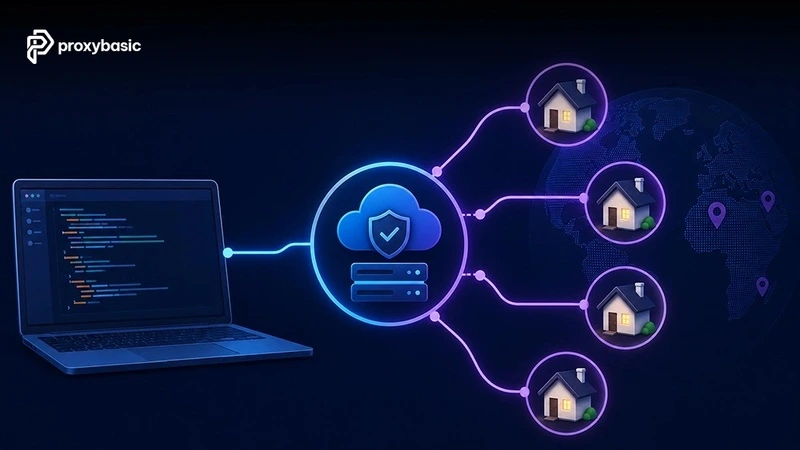
A Node JS residential proxy is a proxy service that routes requests through residential IP addresses assigned by real internet service providers (ISPs). Rather than connecting directly to a target website, your application sends requests to a proxy gateway, which forwards them through a residential device before returning the response.
This additional routing layer separates your infrastructure from the public-facing IP address seen by the destination website. The proxy provider manages IP assignment, traffic forwarding, and session handling, while your application continues operating normally.
Request Flow
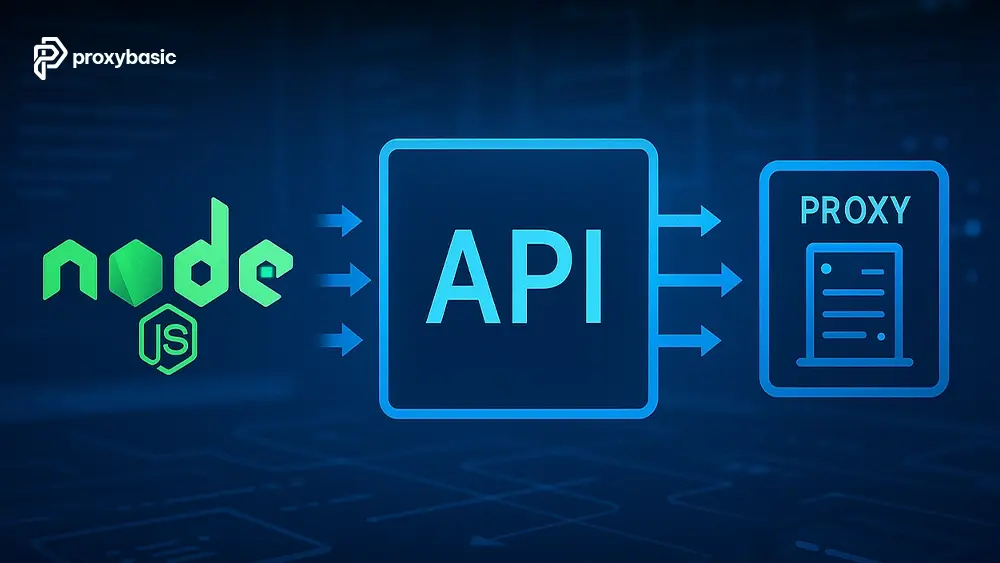
Node.js Application → Proxy Gateway Endpoint → Residential IP Address → Target Website / API → Response Returned Through Gateway → Node.js Application
In a typical workflow, the Node.js application sends an HTTP or HTTPS request to the provider’s gateway. The gateway selects a residential IP based on the configuration rules, forwards the request to the destination server, and returns the response through the same route.
This architecture allows developers to maintain centralized proxy management without modifying application logic for every request.
Residential Proxies vs. Datacenter Proxies
The following table highlights the practical differences between residential and datacenter proxy infrastructure.
|
Factor |
Residential Proxy |
Datacenter Proxy |
|
Source |
ISP-assigned residential IPs |
Cloud or server-hosted IPs |
|
Detection Risk |
Lower |
Higher |
|
Speed |
Moderate |
Usually faster |
|
Cost |
Higher |
Lower |
|
Success Rate |
Typically higher on protected websites |
May decrease on heavily protected targets |
Residential proxies are often preferred when websites apply advanced traffic analysis or reputation-based filtering systems. Datacenter proxies generally remain suitable for high-volume workloads where speed and cost efficiency are the primary concerns.
Prerequisites and Environment Setup
Before beginning the Setup & Integration process, make sure your development environment contains the required tools and proxy credentials.
- Node.js LTS version installed
- npm package manager
- Visual Studio Code or another editor
- Active residential proxy account
- Proxy credentials (host, port, username, password)
- Internet connection for dependency installation
A typical residential proxy connection string follows this structure:
http://username:[email protected]:port
Most providers also offer country targeting, session parameters, and gateway endpoints that can be customized directly inside the username field or authentication settings.
Proper credential management becomes especially important when moving applications from local development into production environments.
Using a Residential Proxy with Axios
Axios is one of the most widely used HTTP clients in the Node.js ecosystem. When paired with a residential proxy service, it allows applications to route HTTP and HTTPS requests through residential IP addresses while maintaining a relatively simple implementation.
Installing Dependencies (axios & https-proxy-agent)
Install Axios together with a proxy agent package:
npm install axios https-proxy-agent
Modern Axios versions work more reliably with dedicated proxy agents when handling HTTPS traffic through authenticated proxies. The https-proxy-agent package manages secure tunneling, connection negotiation, and credential handling more consistently than relying solely on built-in proxy configuration.
Import the required packages:
const axios = require(“axios”);
const { HttpsProxyAgent } = require(“https-proxy-agent”);
Using a dedicated proxy agent also makes it easier to maintain compatibility across different Node.js versions and deployment environments.
Implementing the Proxy Client
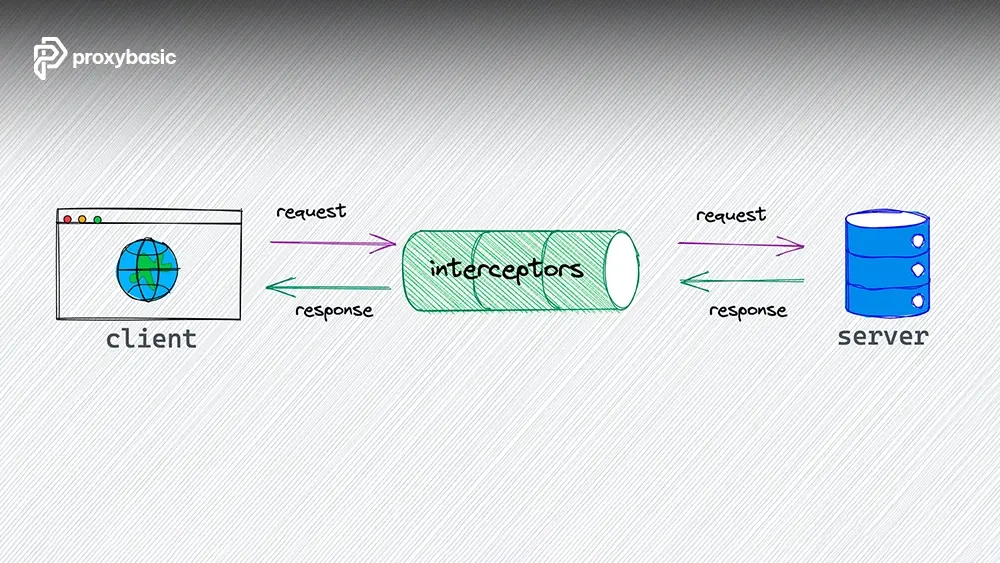
The following example creates an Axios residential proxy instance configured to use a residential proxy gateway.
const axios = require(“axios”);
const { HttpsProxyAgent } = require(“https-proxy-agent”);
const proxyUrl =
“http://username:[email protected]:8000”;
const agent = new HttpsProxyAgent(proxyUrl);
const client = axios.create({
httpsAgent: agent,
timeout: 15000
});
module.exports = client;
In this configuration:
- proxyUrl contains authentication credentials.
- HttpsProxyAgent handles secure proxy routing.
- timeout prevents requests from hanging indefinitely.
- The Axios instance can be reused across multiple requests.
This structure is commonly used in production applications because it centralizes connection management and simplifies future configuration updates.
Verifying Connection and Error Handling
Once the proxy client is configured, verify that requests are leaving through the assigned residential IP.
const axios = require(“axios”);
const { HttpsProxyAgent } = require(“https-proxy-agent”);
const proxyUrl =
“http://username:[email protected]:8000”;
const agent = new HttpsProxyAgent(proxyUrl);
async function testProxy() {
try {
const response = await axios.get(
“https://httpbin.org/ip”,
{
httpsAgent: agent,
timeout: 15000
}
);
console.log(response.data);
} catch (error) {
console.error(“Request failed:”, error.message);
if (error.response?.status === 407) {
console.error(
“407 proxy authentication required”
);
}
}
}
testProxy();
The response should display the residential IP currently assigned to your session. If authentication fails, the proxy server may return a 407 proxy authentication required error, which usually indicates invalid credentials, expired authentication settings, or an incorrectly formatted connection string.
For production deployments, we recommend logging timeout events, authentication failures, and connection retries separately. These metrics help identify gateway issues before they affect larger workloads.
Using a Residential Proxy with Puppeteer
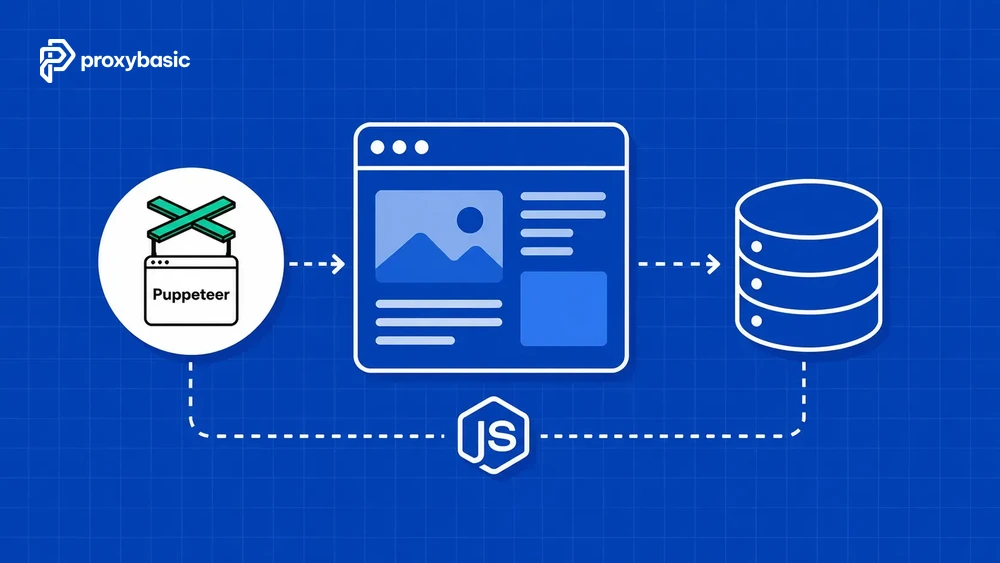
While Axios is ideal for API requests and lightweight scraping, a Puppeteer residential proxy setup is often necessary when websites rely heavily on JavaScript rendering. In this environment, the proxy must be attached both to the browser process and, when required, to page-level authentication.
Launching Puppeteer with Proxy Flag
First, install Puppeteer:
npm install puppeteer
Next, launch Chromium with the proxy gateway specified through the –proxy-server argument.
const puppeteer = require(“puppeteer”);
(async () => {
const browser = await puppeteer.launch({
headless: true,
args: [
“–proxy-server=http://gateway.proxyprovider.com:8000”
]
});
const page = await browser.newPage();
await page.goto(“https://example.com”);
await browser.close();
})();
The browser routes outbound traffic through the configured gateway, while the proxy provider assigns a residential IP according to the selected configuration. This method applies to most browser-driven automation tasks, including rendering-heavy pages and testing localized content.
Developers familiar with Playwright proxy `configurations will notice a similar concept. Both frameworks attach the proxy during browser initialization, although the implementation details differ slightly.
Handling Authentication via page.authenticate()
Many residential proxy services require authentication. In Puppeteer, credentials can be supplied programmatically using page.authenticate().
const puppeteer = require(“puppeteer”);
(async () => {
const browser = await puppeteer.launch({
headless: true,
args: [
“–proxy-server=http://gateway.proxyprovider.com:8000”
]
});
const page = await browser.newPage();
await page.authenticate({
username: “your_username”,
password: “your_password”
});
await page.goto(“https://example.com”);
await browser.close();
})();
This approach prevents manual authentication prompts from interrupting automation workflows.
Most providers use username parameters to control country selection, session persistence, or routing preferences. Because of this, storing credentials in environment variables rather than directly inside source code is considered a safer deployment practice.
Testing the Headless Browser Routing
After configuring authentication, verify that browser traffic is using the expected residential IP.
const puppeteer = require(“puppeteer”);
(async () => {
const browser = await puppeteer.launch({
headless: true,
args: [
“–proxy-server=http://gateway.proxyprovider.com:8000”
]
});
const page = await browser.newPage();
await page.authenticate({
username: “your_username”,
password: “your_password”
});
await page.goto(“https://httpbin.org/ip”);
await page.screenshot({
path: “proxy-test.png”,
fullPage: true
});
const content = await page.content();
console.log(content);
await browser.close();
})();
The page output should display the residential IP assigned to the browser session. Saving a screenshot provides additional verification during development and debugging.
When testing production workflows, repeat the verification process across multiple sessions to confirm that rotation and session controls behave as expected.
Managing Session Persistence: Rotating vs. Sticky Proxies
Choosing between rotating and sticky sessions is one of the most important architectural decisions when implementing a Node residential proxy strategy. Session behavior determines how frequently IP addresses change and how websites perceive consecutive requests.
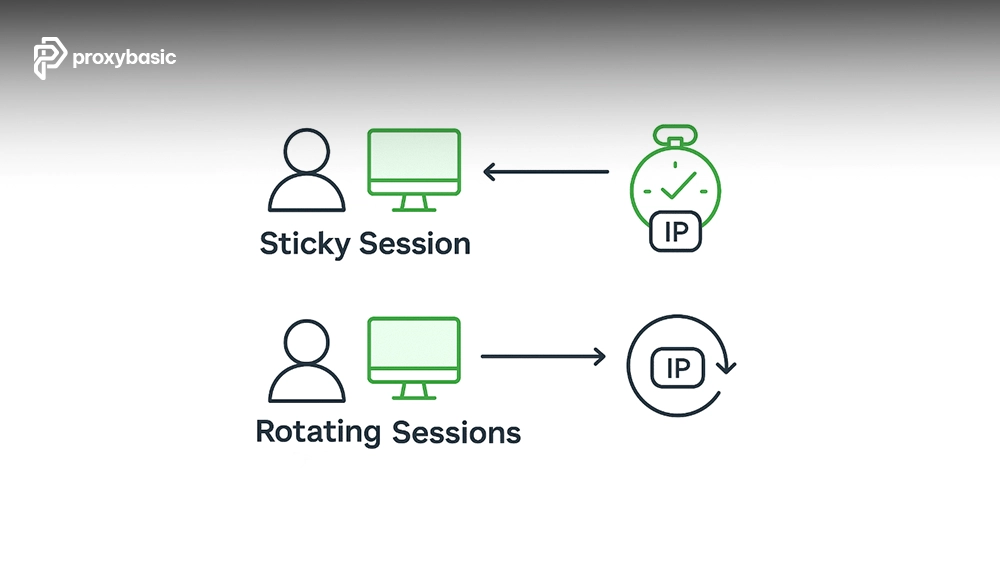
Rotating proxies assign new residential IPs according to provider-defined rules. Sticky sessions keep the same residential IP for a specified period before replacement. Both models serve different operational requirements.
|
Feature / Vector |
Rotating Proxies |
Sticky Sessions |
|
IP Lifecycle |
Changes frequently |
Remains stable temporarily |
|
Implementation |
Automatic rotation by gateway |
Session parameter controls persistence |
|
Best Used For |
Large-scale data collection |
Login workflows and multi-step tasks |
|
Detection Risk |
Lower for high-volume requests |
Lower for session continuity |
Rotating proxies are useful when tasks require broad IP distribution. Sticky sessions are generally more suitable when websites expect consistent user behavior across multiple requests.
A practical implementation tip: when using sticky sessions, generate a new session identifier whenever a task completes or fails. Doing so ensures the next request chain receives a fresh residential IP rather than reusing an existing session unexpectedly.
Production Best Practices and Troubleshooting
As workloads scale, proxy configuration becomes only one part of maintaining reliability. Connection management, retry logic, and monitoring are equally important.
Operational Checklist
- Reuse TCP connections through HTTP Keep-Alive whenever possible.
- Set explicit request timeouts.
- Log authentication failures separately from network failures.
- Monitor response latency by gateway and target domain.
- Store credentials in environment variables.
- Retry transient network failures carefully.
- Rotate sessions when receiving repeated access limitations.
- Limit concurrency to avoid overwhelming destination services.
- Handle HTTP 429 responses with linear backoff or immediate session rotation.
The troubleshooting table below maps common issues to likely causes and immediate remediation actions.
|
Issue |
Possible Cause |
Immediate Fix |
|
Slow Responses |
Residential peer has weak connectivity |
Rotate session and retry |
|
Connection Reset |
Temporary peer disconnect |
Retry with a new session |
|
Frequent Timeouts |
Gateway congestion |
Reduce concurrency and increase timeout |
|
Authentication Failure |
Invalid credentials |
Verify username and password |
|
Unexpected IP Reuse |
Sticky session still active |
Generate a new session ID |
|
Increased Error Rates |
IP reputation degradation |
Rotate to a fresh residential IP |
Most production issues originate from session management, peer quality fluctuations, or inadequate timeout settings. Building proactive monitoring around these metrics helps reduce downtime and improve long-term success rates.
FAQs
Why does my Node.js script hang indefinitely when a residential proxy connection drops?
This typically occurs when no timeout has been configured. If the connection becomes unavailable and the application continues waiting for a response, execution may appear frozen. Always define request and socket timeouts, then implement retry logic for failed connections.
Is it possible to route specific domain traffic through a residential proxy while letting other requests bypass it in Node.js?
Yes. You can create multiple Axios clients or agent configurations and apply routing logic based on destination domains. This approach allows selected requests to use residential proxies while other traffic continues through direct connections.
How do I handle proxy authentication when deploying my Node.js application inside a Docker container?
Store credentials using environment variables and inject them during container startup. Avoid hardcoding usernames or passwords inside images. Most deployment platforms support secure secret management systems that can provide credentials at runtime.
Do residential proxies support UDP traffic natively in Axios or Puppeteer configurations?
No. Axios and Puppeteer primarily operate over HTTP and HTTPS. UDP traffic requires different networking implementations and is not handled directly through standard proxy configurations used by these libraries.
How can I measure and benchmark the latency overhead introduced by a residential proxy gateway in my script?
Record request start and completion timestamps before and after routing traffic through the proxy. Compare the results against direct connections while keeping the target endpoint identical. Tracking average latency, median latency, and timeout frequency provides a more complete performance picture.
Conclusion
A Node.js residential proxy can provide flexible traffic routing for scraping, testing, automation, and data collection projects. For lightweight API-driven workflows, Axios usually offers the simplest implementation. For JavaScript-rendered pages and browser automation, Puppeteer provides deeper interaction capabilities.
Regardless of the framework you choose, success depends on proper session management, reliable error handling, and secure credential storage. We recommend validating proxy configurations in a controlled environment first, storing credentials in environment variables, and monitoring performance continuously. Following these practices will help you build a more stable and maintainable workflow over time.
Top Providers can differ significantly in gateway architecture, session controls, geographic coverage, and authentication models, so test several options before committing to a production deployment.