
A proxy manager handles the operational layer of running proxies , rotating IPs, managing sessions, routing traffic, and monitoring performance. Without one, you’re manually juggling proxy credentials across scripts, browsers, and tools. With a good proxy manager, all of that becomes automated and centralized.
This blog covers what proxy managers actually do, which tools work best for different use cases, and how to get one running.
What Is a Proxy Manager and Why You Need One
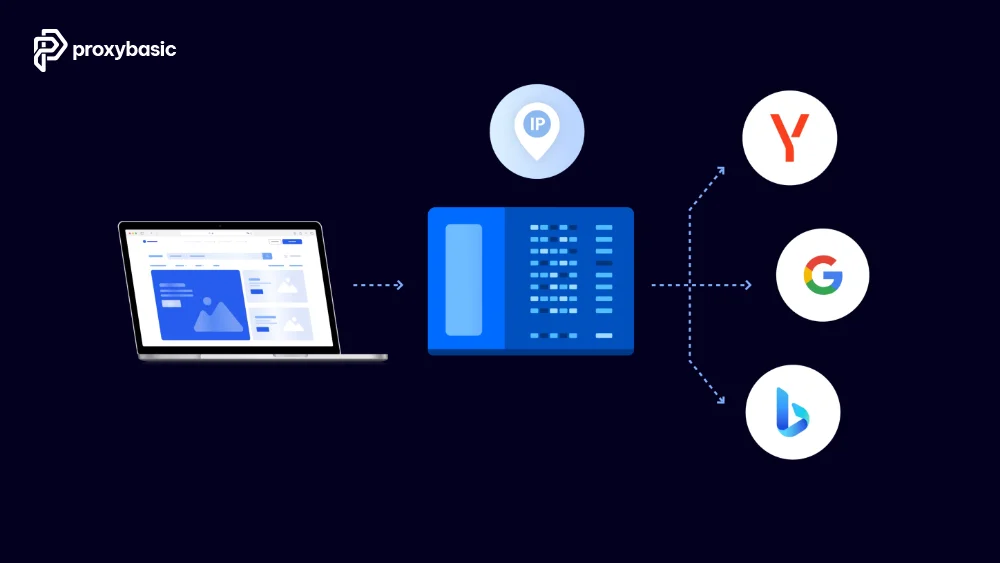
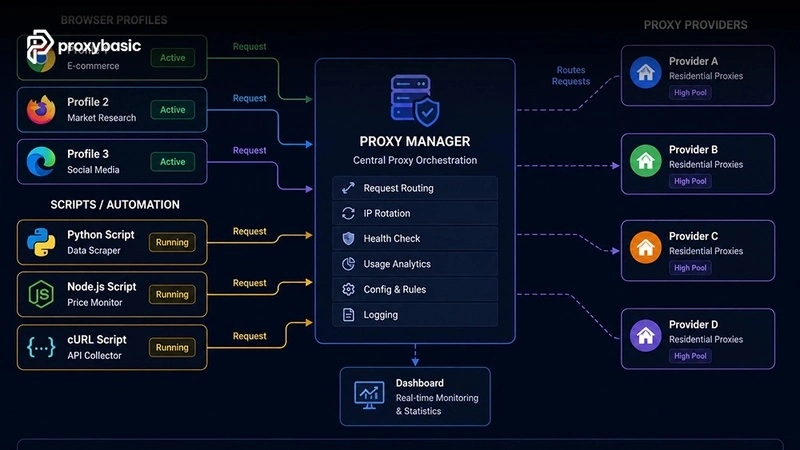
A proxy manager is software that sits between your application and your proxy provider. Your app sends requests to the proxy manager, which handles IP rotation, session management, and error retries on your behalf. You configure rules once and the manager applies them across all requests.
Without a proxy manager, each script, browser, or tool needs its own proxy configuration. When your provider changes credentials or you want to switch rotation settings, you update every config separately. A proxy manager centralizes this; change it once, and it applies everywhere.
Proxy Manager vs Direct Proxy Use
Direct proxy use works for simple setups: one script, one proxy endpoint, static configuration. It breaks down when you have multiple tools running simultaneously, need dynamic IP rotation based on response codes, or want to switch providers without rewriting your scraping code.
A proxy manager solves the orchestration problem. It’s worth setting up when you’re running more than one simultaneous scraping or browsing task through proxies.
Key Features to Look for
Choosing the right features helps make proxy usage more efficient. Let’s look at the essential features you need in a proxy solution.
- Automatic rotation: switches IPs based on request count, time, or error responses
- Session management: holds sticky sessions for specific tasks while rotating for others
- Provider-agnostic: works with any proxy provider, not locked to one
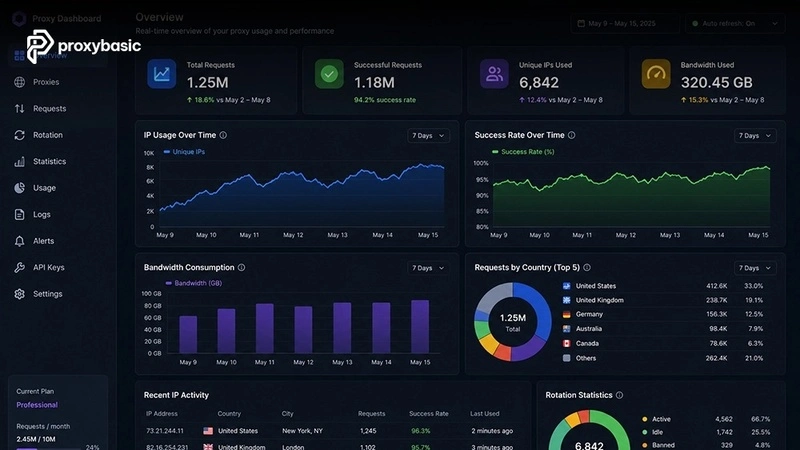
- Dashboard/monitoring: shows bandwidth usage, success rates, blocked IPs
- API access: lets your code interact with the manager programmatically
Best Proxy Managers for Different Use Cases
Different tasks require different proxy managers, so picking the right one matters. Let’s explore the best proxy managers for each specific use case.
For Web Scraping and Automation
Scraping use cases need fast rotation, high concurrency, and automatic retry on blocks. A scraping-focused proxy manager handles all three.
Bright Data Proxy Manager (open source) is the most capable free option for scraping. It runs locally, supports automatic rotation, retry logic, and header injection. Works with any proxy provider, not just Bright Data’s network.
ScraperAPI works as a managed proxy manager accessed via API. Send a request to their endpoint and they handle proxy selection, rotation, and JS rendering automatically. Good for teams that don’t want to manage infrastructure.
For Multi-Account Management
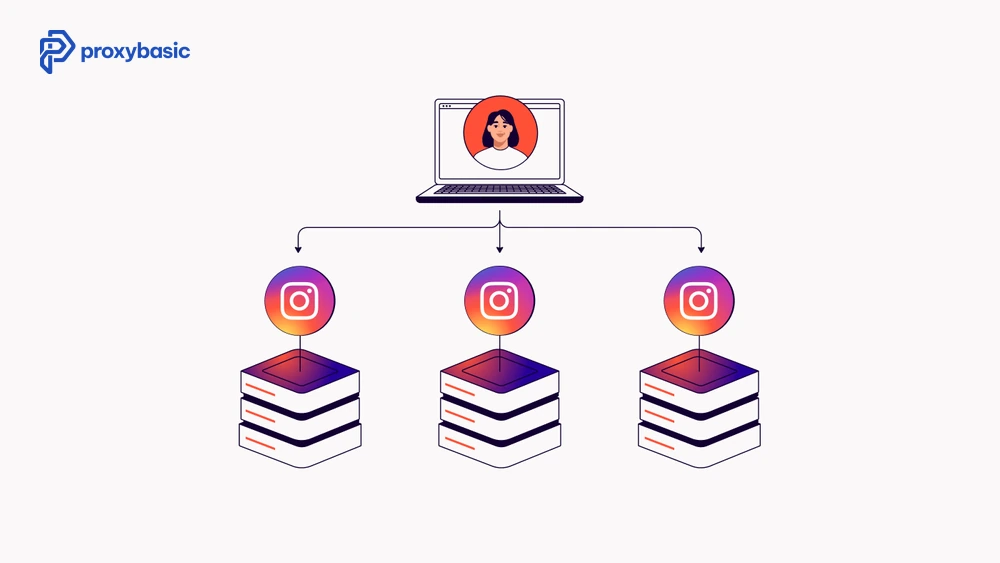
Multi-account use cases need session isolation , each account gets its own dedicated IP that never crosses with others. Proxy managers for this use case focus on profile-to-proxy mapping rather than rotation speed.
AdsPower and Multilogin bundle proxy management with anti-detect browser profiles. Each browser profile gets a dedicated proxy session. The proxy manager ensures IPs never overlap between profiles.
GoLogin offers similar functionality at a lower price point and includes proxy management integrated into the browser profile system.
For Developers and DevOps (Reverse Proxy Managers)
DevOps proxy managers handle a different use case: routing inbound traffic to backend services, not routing outbound requests through proxies. These are reverse proxy managers.
Nginx Proxy Manager is the most popular self-hosted reverse proxy manager. It provides a web UI for managing Nginx reverse proxy configurations, SSL certificates (via Let’s Encrypt), and traffic routing. Free and open source.
Traefik is a developer-focused reverse proxy with automatic service discovery, useful for containerized environments and Kubernetes deployments.
Top Proxy Manager Tools Tested
To help you decide, we tested top proxy manager tools based on performance, flexibility, and usability across different scenarios like scraping, automation, and account management.
Decodo Proxy Manager
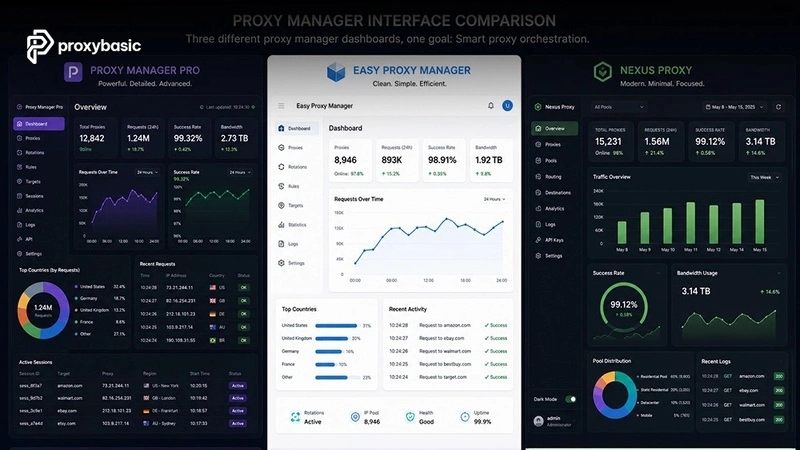
Decodo’s proxy manager app handles IP rotation and session management for their residential proxy network. The interface is clean, you configure rotation settings (per request, per time interval, or per error), set geo-targeting, and copy the local endpoint into your tools. Your scripts connect to localhost:your_port, and the manager handles the rest.
Works with: Decodo residential and datacenter proxies. Not provider-agnostic.
Best for: teams already using Decodo who want centralized management without writing rotation code.
Bright Data Proxy Manager
Bright Data’s open-source proxy manager (available on GitHub) is the most feature-rich free option. Key capabilities:
- Runs locally on port 24000 (configurable)
- Works with any proxy provider, paste in credentials from Decodo, Oxylabs, or any other provider
- Automatic rotation, retry on failure, header injection
- Dashboard showing request logs, bandwidth, and success rates
- Supports sticky sessions, whitelisting, and custom rotation rules
The setup takes 15-20 minutes on a Linux or macOS machine. Windows support exists but is less tested. Good documentation on GitHub.
Nginx Proxy Manager (Self-Hosted)
Nginx Proxy Manager is a reverse proxy manager , it routes inbound traffic, not outbound proxy requests. If you need to expose web services behind a clean domain with SSL, this is the tool. Install via Docker:
docker-compose up -d
Access the UI at http://localhost:81. Add proxy hosts, point them to your backend services, and issue SSL certificates with one click. Not useful for residential proxy rotation , different tool, different use case.
Oxylabs Proxy Manager
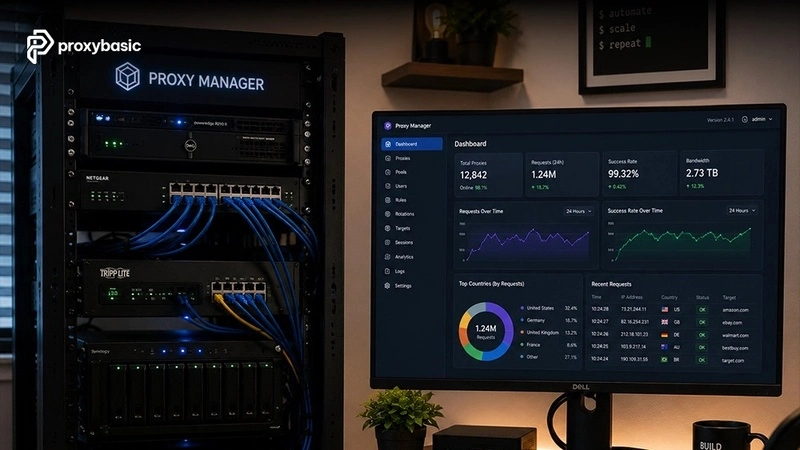
Oxylabs offers a proxy manager integrated into their dashboard. Configure rotation settings, set geo-targeting parameters, and use their generated endpoint in your tools. Less flexible than Bright Data’s open-source manager but simpler to set up for Oxylabs customers.
How to Set Up a Proxy Manager

Using Bright Data’s open-source proxy manager as an example (works with any provider):
Step 1: Install
npm install -g @luminati-io/proxy-manager
Or via Docker:
docker run -d \
-p 22999:22999 -p 24000:24000 \
–name proxy-manager \
luminati/proxy-manager
Step 2: Open the dashboard
Go to http://localhost:22999 in your browser.
Step 3: Add your proxy provider
In the dashboard, go to Proxies > Add Proxy. Enter your provider’s credentials (host, port, username, password) and set rotation rules.
Step 4: Use the local endpoint
Your proxy manager now runs on localhost:24000. Point your scripts, browsers, or tools to this endpoint. The manager handles all rotation and session logic.
proxies = {“https”: “http://localhost:24000”}
response = requests.get(“https://target.com”, proxies=proxies)
Conclusion
The right proxy manager depends on your use case. For scraping automation, Bright Data’s open-source manager gives the most control. For multi-account browser work, AdsPower or Multilogin bundle proxy management with fingerprint isolation. For DevOps reverse proxy needs, Nginx Proxy Manager is the standard self-hosted choice.
If you’re already with a provider like Decodo or Oxylabs, their built-in managers cover the basics without extra setup. If you need provider flexibility or advanced rotation logic, the open-source Bright Data manager is worth the setup time. For more in-depth reviews, setup guides, and head-to-head comparisons of proxy tools, explore the full library at Proxybasic.