Online surveys are gated by geography, device type, and IP reputation. Market research panels reject respondents whose IP addresses don’t match their claimed location, flag datacenter traffic as fraudulent, and restrict participation to specific countries. Residential proxies for surveys solve the access layer , they route your connection through a real home IP in your target region, so the survey platform sees a legitimate respondent rather than a bot or VPN user.
This blog covers why surveys block non-residential IPs, how to use proxies correctly for survey research, and which providers work best for this use case.
Why Survey Data Collection Needs Residential Proxies
Survey platforms apply strict checks to protect data quality and maintain trust with advertisers. One of the first filters they use is the IP type. Datacenter IPs, VPNs, and Tor networks are often flagged instantly and blocked before the survey even loads.
A residential IP from a specific city, such as Chicago, appears the same as a real user accessing the survey from that location. As a result, using a residential proxy for survey systems makes the connection more likely to be treated as legitimate.
Geo-Restrictions in Online Surveys
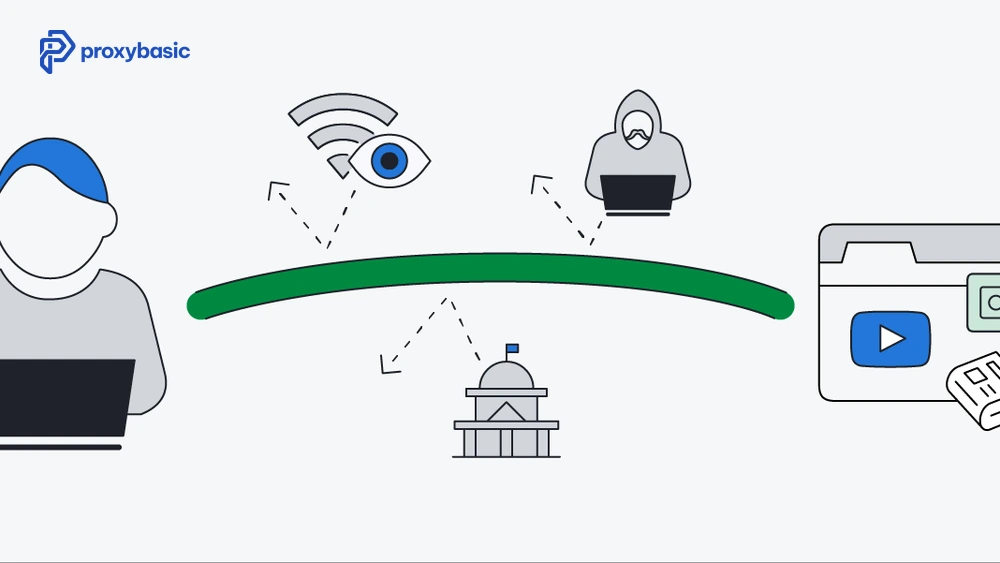
Many online surveys are restricted by location, meaning only users from specific countries, states, or even cities can participate. If your IP does not match the required region, you may be blocked from accessing the survey or screened out before answering any questions.
This is a common challenge for researchers working on multi-region studies. For example, a survey designed for US consumers will not accept responses from a German IP address.
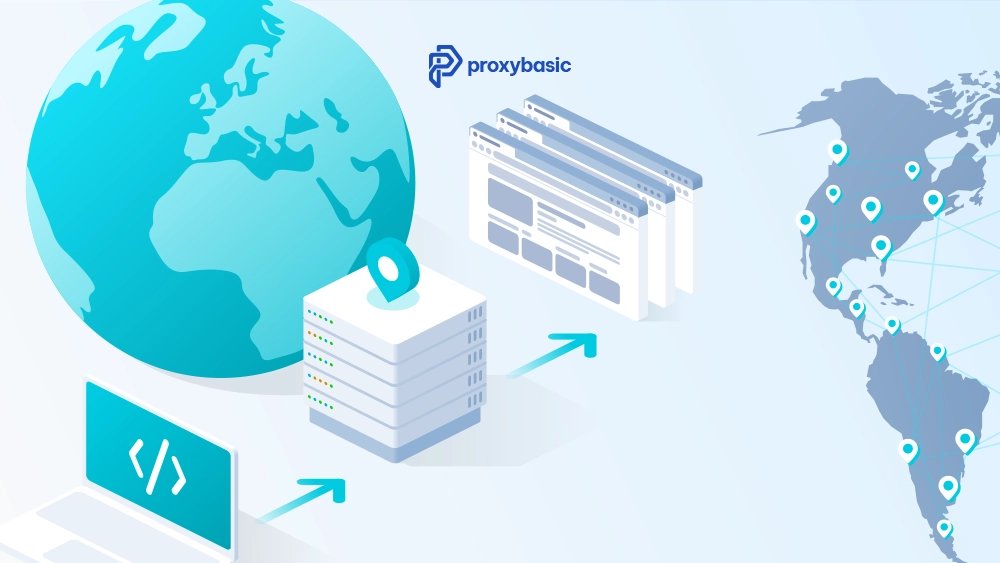
Residential proxies solve this issue by allowing us to use IPs from specific locations. With geo-targeting, we can match the exact country, state, or city required, making it possible to access the survey and collect relevant data.
Survey Platform Detection and IP Blocking
Survey platforms use advanced methods to detect suspicious activity, not just simple IP checks. Even if you avoid datacenter IPs, they still analyze multiple signals to identify fraud or automation. These platforms typically check:
- IP reputation scores: If an IP has been used for suspicious activity before, it may already be flagged and blocked.
- IP geolocation consistency: Your IP location must match the demographic information you provide. Mismatches can trigger verification or rejection.
- Response speed: Completing surveys too quickly (for example, finishing a 10-minute survey in under 60 seconds) is a strong sign of automation.
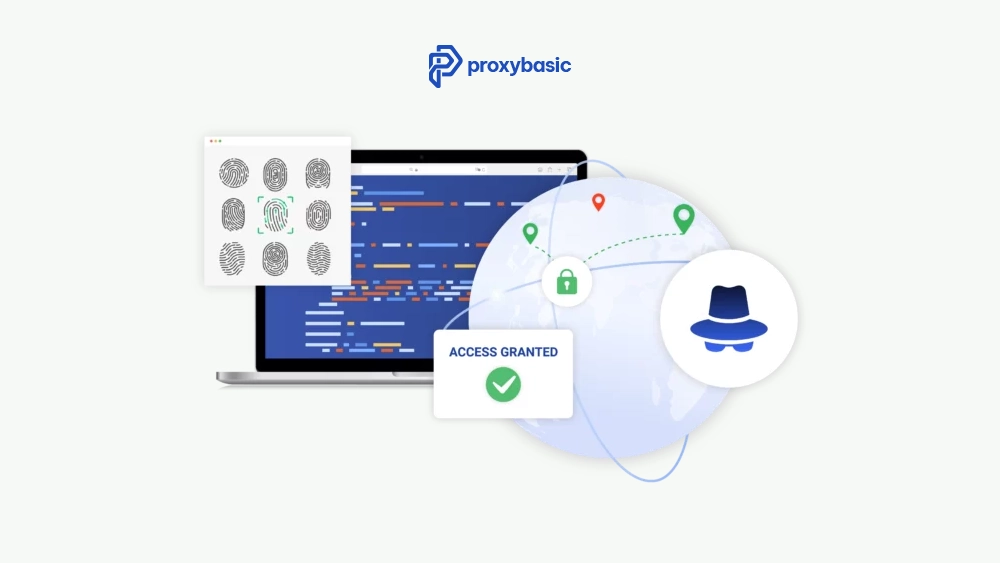
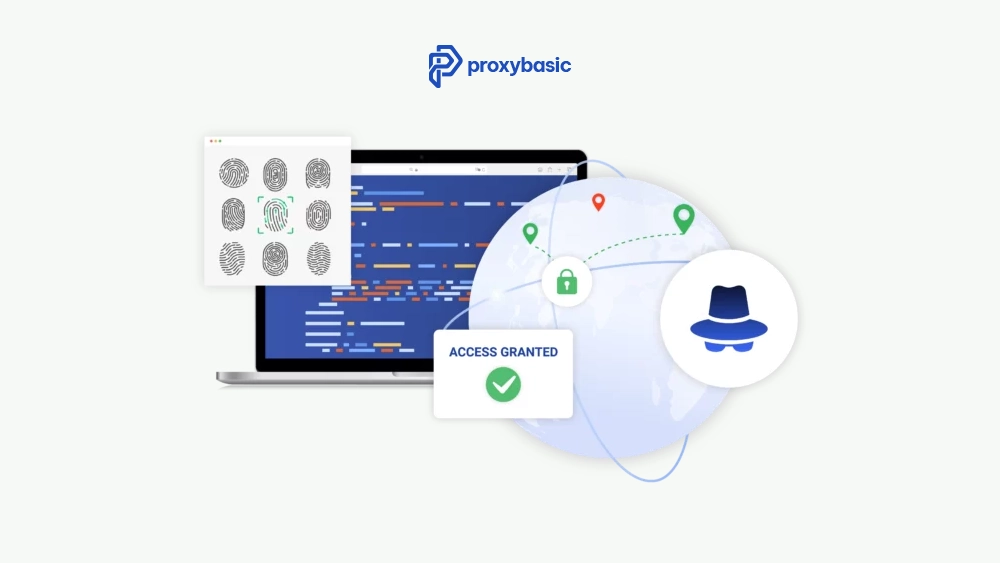
- Browser fingerprint and cookies: Platforms track device details, browser settings, and cookie behavior to ensure consistency across sessions.
While a residential proxy helps by providing real, ISP-based IP addresses, it only solves part of the problem. To avoid detection, we also need to behave like a real user by maintaining normal response times, consistent browser profiles, and realistic interaction patterns.
How Residential Proxies Improve Survey Research
Residential proxies play an important role in modern survey research, especially when studies require participants from different regions. In many cases, a residential proxy for survey completion is the only way to view or participate in panels if they are physically located in a specific country.
Accessing Region-Locked Survey Panels
In many cases, survey platforms restrict access based on geographic location. This means researchers can only view or participate in surveys if they are physically located in a specific country or city.
For example, if a UK-based research team wants to study US consumer behavior, they need a US IP address to access American survey panels. Without this, the platform may block access or show irrelevant surveys.
Residential proxies solve this problem by providing real IP addresses from specific locations. With country-level or even city-level targeting, we can access the correct survey panels and reach the right audience without being physically present there.
Running Multi-Region Survey Campaigns
When running surveys across multiple regions (such as comparing responses from the US, UK, and Germany), consistency becomes very important. Each region should have its own dedicated proxy session to avoid conflicts.
To achieve this, we use sticky sessions, which keep the same IP address for a certain period of time. If you are using a residential proxy for survey work, you must set session duration to 20-30 minutes or longer, depending on the survey length.
- Use separate sessions for each region to avoid overlap
- Maintain the same IP during the entire survey process
- Set session duration to 20-30 minutes or longer, depending on survey length
If the IP changes in the middle of a survey, the platform may detect it as suspicious activity and cancel or reject the response.
Best Residential Proxies for Survey Work (Tested)
When evaluating proxy performance for survey research, we should focus on geo-targeting accuracy and success rates across major survey platforms. These factors directly affect access, completion rates, and data reliability.
Bright Data, The most accurate city-level targeting available. For surveys with strict US state or city requirements, Bright Data’s residential pool delivers the most precise geo-matching. Higher cost per GB, but reliable for research that requires specific locations.
Oxylabs, Strong residential pool with good US and EU coverage. Their residential proxies work consistently on Qualtrics and SurveyMonkey-hosted surveys. Pricing is reasonable for moderate-volume research use.
Decodo (ex Smartproxy), Good balance of cost and IP quality for survey research. Sticky sessions up to 30 minutes work well for standard survey lengths. US, UK, and EU residential coverage is solid.
NetNut, specifically markets to survey and market research use cases. Their residential pool uses ISP-direct IPs rather than peer residential IPs, which carry higher trust scores on fraud-sensitive platforms. Useful for panels with stricter IP validation.
IPRoyal, a budget option for lower-volume survey research. Works on standard survey platforms but may struggle with the strictest fraud detection systems used by premium research panels.
How to Set Up Proxies for Survey Data Collection
Setting up proxies for survey data collection requires careful configuration. We need to match location settings, maintain consistency, and follow ethical guidelines to avoid disqualification or platform restrictions.
Choosing the Right Geo-Targeting Settings
The first step is to match your proxy location exactly with the survey requirements. Many survey platforms filter participants based on geographic details such as country, state, or even city.
- If a survey requires US participants, a general US IP may be enough
- If it targets specific states or cities, we must use more precise geo-targeting
Most proxy providers allow this through parameters in the username:
username-country-US-state-CA-city-LosAngeles:[email protected]:7000
Before starting a survey, we should always verify the IP location using tools like ipinfo.io. This ensures the city and state match what the survey expects.
Avoiding Survey Disqualification
Survey platforms compare your IP location with the information you provide. If there is any mismatch, your response may be rejected or blocked. To reduce this risk, we should follow these best practices:
- Make sure the proxy location matches your survey profile exactly, including country, state, and city if required. Even small mismatches can trigger automatic disqualification.
- Use a consistent browser profile with cookies enabled, so your session appears stable and similar to a real user instead of a new or suspicious connection each time.
- Complete surveys at a natural human speed, avoiding responses that are too fast or too uniform, as these patterns are often flagged as automated behavior.
- Use one IP per survey session and avoid sharing it across multiple tasks, because multiple activities from the same IP at the same time can look suspicious to the platform.
Maintaining consistency across IP, browser behavior, and response timing is the key to passing survey platform checks successfully.
Ethical and Legal Considerations
Using residential proxies in survey research can be acceptable or problematic depending on how they are used. There is a clear difference between legitimate research purposes and fraudulent activities.
When used correctly, proxies help researchers access geo-restricted surveys and collect real data from different regions. However, using them to fake responses or bypass platform rules can lead to serious issues.
Legitimate research use cases include:
- Academic studies that require participants from specific locations
- Market research collecting real responses from target audiences
- Testing surveys across multiple geographic regions
Problematic use cases include:
- Automating survey responses to earn rewards
- Submitting multiple responses to manipulate results
- Bypassing platform limits to distort demographic data
Most survey platforms clearly prohibit automation and misuse. Before using proxies, we should review their terms of service carefully to ensure our research stays compliant and ethical.
Troubleshooting Your Residential Proxy for Survey Access
Even with the best residential proxies, you may occasionally face a “Screen Out” message. This usually happens when the survey platform detects a mismatch between your proxy’s latency and its claimed location. To fix this while using a residential proxy for survey work:
- Clear Browser Cache: Old cookies from a different proxy session can trigger red flags.
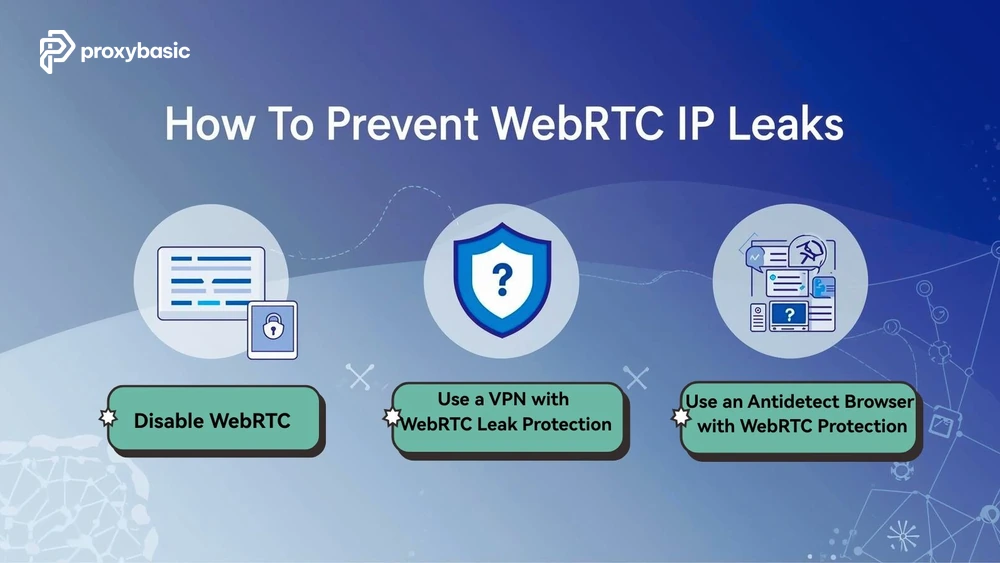
- Check WebRTC: Ensure your browser isn’t leaking your real IP via WebRTC, which can bypass even a high-quality residential proxy for survey setup.
- Verify Geo-targeting: Double-check that your provider’s geo-targeting isn’t placing you in a neighboring state, as some panels are sensitive to precise zip code matching.
Conclusion
Residential proxies for survey data collection are a practical tool for researchers who need to access geo-locked panels or collect responses from specific regions. They work because they carry real ISP-assigned IPs that survey platforms treat as legitimate respondents.
Choose a provider with precise city-level geo-targeting (Bright Data or NetNut for strictest requirements, Decodo for standard research use). Use sticky sessions for the full survey duration, match your proxy location to your stated demographic profile, and complete surveys at a realistic human pace.
For institutional market research projects, visit Proxybasic.com for residential proxy plans with the geo-targeting precision your study requires.