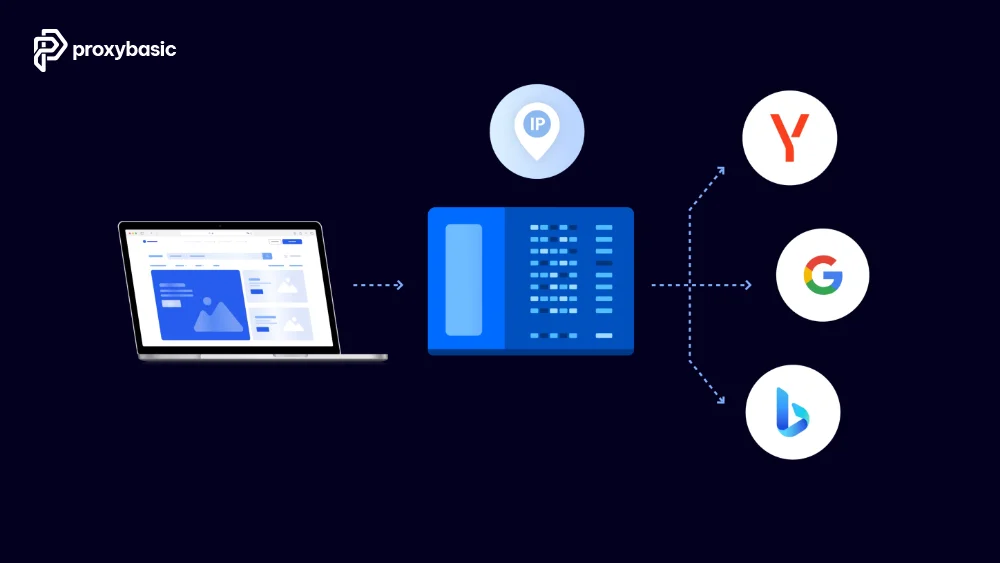
Conducting effective competitor analysis in 2026 requires more than simply browsing your rivals’ websites. Competitor research using proxies allows you to collect accurate data while avoiding IP blocks and rate-limiting. By leveraging proxies, you can scrape competitor website proxy safely, monitor SEO performance, and gather insights without revealing your identity.
Integrating an SEO competitor analysis proxy into your workflow ensures you see hyper-local results, track pricing, analyze content strategies, and gather actionable intelligence at scale. This article walks you through the best practices, proxy types, and setup tips for building a reliable competitor research system.
Why Do Websites Block You During Competitor Research?
Anti-bot security systems look for signals that differentiate automated scripts from real human visitors. Modern firewalls primarily rely on four detection vectors:
IP-based detection is the most common blocking method. When a single IP address sends hundreds of requests within minutes, the server flags it and either serves CAPTCHAs or returns 403 errors. Most e-commerce sites and search engines track request volume per IP in real time.
Rate limiting restricts how many requests any single visitor can make within a set timeframe. Once you exceed the threshold, the server temporarily or permanently blocks your connection. Amazon, Google, and major competitor platforms all enforce strict rate limits.
Browser fingerprinting goes beyond IP addresses. Websites collect data about your browser type, screen resolution, installed fonts, and JavaScript execution patterns. When these signals look identical across multiple requests, the system recognizes automated tools rather than real browsers.
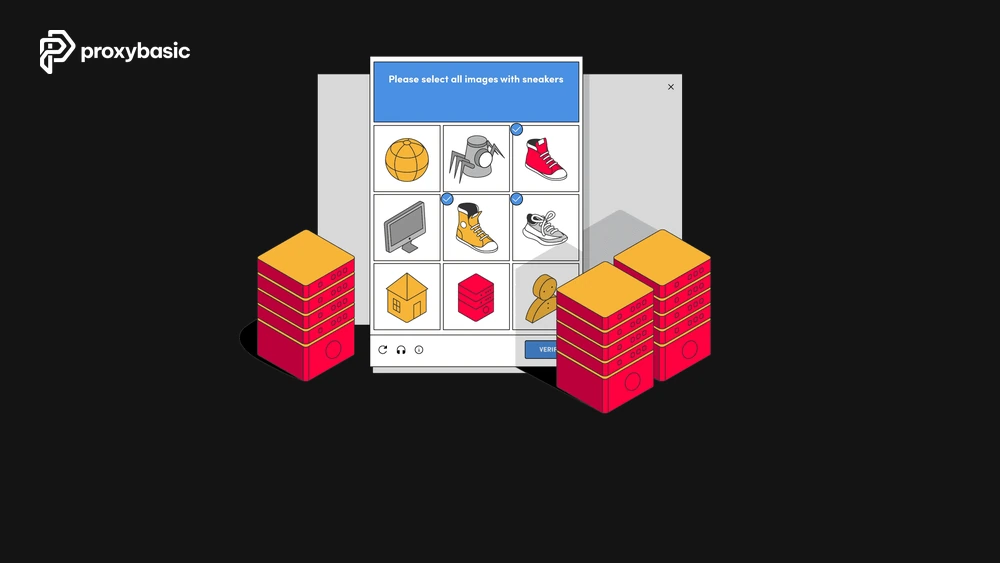
CAPTCHA challenges appear when a site suspects non-human activity. Repeated CAPTCHA triggers slow down your research and, in many cases, lead to a full IP ban if the system continues detecting automated behavior.
According to a 2023 report from Imperva, automated bot traffic accounted for 49.6% of all internet traffic, which explains why websites invest heavily in anti-bot protection systems.
What Types of Competitor Data Can You Collect with Proxies?
When scaling up your competitor research using proxies, you can safely extract localized pricing models, complete product catalogs, ad variations, and shifting keyword positions. Each data type requires a different scraping approach, but proxies remain the common foundation for all of them.
Here is a breakdown of the most valuable competitor data you can gather:
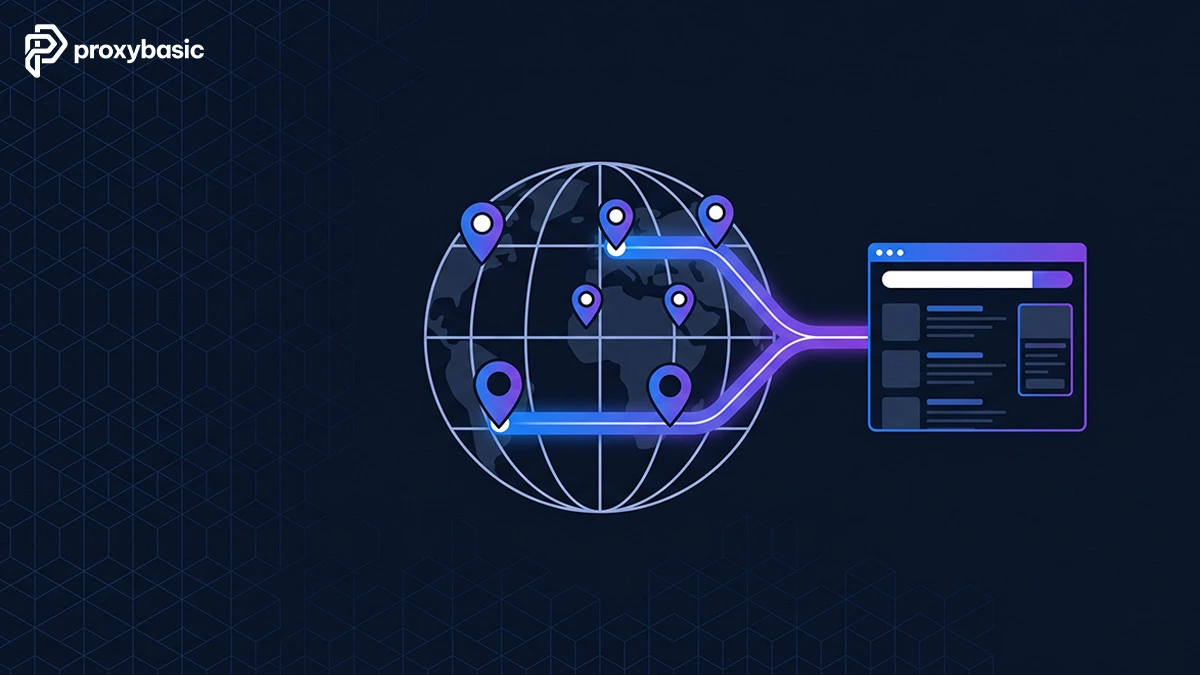
Pricing intelligence involves monitoring competitor product prices across multiple markets and regions. Proxies with geo-targeting let you see localized pricing that competitors show to customers in specific countries or cities.
SERP tracking means checking where your competitors rank for target keywords on Google, Bing, and other search engines. Without proxies, search engines personalize results based on your location and history, giving you inaccurate ranking data.
Ad monitoring covers competitor PPC ads, display campaigns, and social media promotions. Proxies let you view ads targeted to different demographics and regions that you would not see from your own IP.
Product catalog scraping captures inventory changes, new product launches, descriptions, and specifications. E-commerce competitors update their catalogs frequently, and proxy-powered monitoring tracks these changes automatically.
Content analysis pulls blog posts, landing pages, and resource content from competitor sites to identify their content strategy, keyword targeting, and publishing frequency.
Review and sentiment tracking collects customer feedback from platforms like Amazon, Trustpilot, and Google Reviews to understand how customers perceive your competitors.
Which Proxy Types Work Best for Competitor Research?
To choose the right vehicle for your data pipeline, you must analyze how different networks perform. Evaluating the four core proxy categories ensures your competitor research using proxies stays cost-effective and secure against anti-bot firewalls:
|
Proxy Type |
Detection Risk |
Speed |
Cost |
Best For |
|
Residential |
Low |
Medium |
High ($5-15/GB) |
Heavy anti-bot sites, price monitoring |
|
Datacenter |
High |
Very Fast |
Low ($1-3/GB) |
Low-security sites, bulk scraping |
|
ISP |
Very Low |
Fast |
Medium-High |
Long sessions, account-based research |
|
Mobile |
Very Low |
Slow-Medium |
Very High ($15-30/GB) |
Mobile-specific data, social platforms |
Are Residential Networks Superior to Datacenter IPs?
Use the data from the table above to deploy a cost-optimized hybrid strategy: Start your scrapers using low-cost datacenter proxies. If the target server throws 403 Forbidden or 429 Too Many Requests errors, automatically route those specific target domains through a residential or ISP proxy pool.
A practical approach is to start with datacenter proxies and switch to residential proxies only for targets that block your requests. This strategy keeps your costs down while still accessing protected sites when needed.
Do You Need Rotating Proxies or Sticky Sessions for Competitor Monitoring?
You need rotating proxies for large-scale data collection and sticky sessions for tasks that require maintaining a consistent identity across multiple page loads.
Rotating proxies assign a new IP address with every request or at set intervals. This approach works best when you need to scrape thousands of product pages, collect SERP data for hundreds of keywords, or pull pricing from multiple competitor listings. Each request appears to come from a different user, which distributes your footprint across many IPs.
Sticky sessions keep the same IP address for a defined period, typically 1 to 30 minutes. Use sticky sessions when your research requires browsing through multi-page checkout flows, logging into competitor portals, or navigating paginated results where the server tracks session continuity.
For most competitor research workflows, rotating proxies handle 80-90% of use cases. Reserve sticky sessions for situations where the target site requires consistent identity verification.
How Do You Set Up Proxies for Competitor Research Step by Step?
Setting up proxies for competitor research requires 5 steps: selecting a proxy provider, configuring authentication, integrating with your scraping tool, setting rotation rules, and testing against your target sites. The entire setup takes between 30 minutes and 2 hours depending on your technical experience.
Before writing any code, pick a proxy provider that offers residential IP pools, supports HTTP/HTTPS and SOCKS5 protocols, and provides an API or dashboard for managing your connections. Providers like Bright Data, Oxylabs, Smartproxy, and IPRoyal are commonly used for competitor intelligence work.
How Do You Configure Proxy Rotation to Avoid IP Bans?
To bypass automated rate-limiting, your rotation script must follow four core architecture rules:
- Per-Request Rotation: Change the exit node IP address on every single HTTP request for general scraping. For session-dependent workflows (like multi-page forms), pin the IP using sticky sessions for a maximum of 5–10 minutes.
- Pool Scaling: Maintain a minimum pool of 1,000+ active residential IPs per target domain to prevent rapid address reuse.
- Exponential Jitter Backoff: If the server returns a 429 status code, force the script to pause for a randomized interval (e.g., 30 + random(0, 90) seconds) rather than retrying immediately.
- Geo-Matching: Align the proxy node’s geographic location with the targeted localized site sub-directory to ensure correct language and pricing tables render.
What Request Headers and Browser Settings Should You Use with Proxies?
You should use realistic request headers that match common browser profiles, including a rotating User-Agent, proper Accept-Language, and valid Referer values. Sending requests with default or missing headers is one of the fastest ways to get flagged, even when using premium proxies.
Example of a clean, human-looking request footprint for Python Requests:
headers_footprint = {
“User-Agent”: “Mozilla/5.0 (Windows NT 10.0; Win64; x64) AppleWebKit/537.36 (KHTML, like Gecko) Chrome/120.0.0.0 Safari/537.36”,
“Accept”: “text/html,application/xhtml+xml,application/xml;q=0.9,image/webp,image/apng,*/*;q=0.8”,
“Accept-Language”: “en-US,en;q=0.9”,
“Accept-Encoding”: “gzip, deflate, br”,
“Referer”: “https://www.google.com/”,
“Connection”: “keep-alive”,
“Upgrade-Insecure-Requests”: “1”,
“Sec-Fetch-Dest”: “document”,
“Sec-Fetch-Mode”: “navigate”,
“Sec-Fetch-Site”: “cross-site”,
“Sec-Fetch-User”: “?1”
}
Execute request with both the proxy and the spoofed header footprint:
response = requests.get(“https://competitor-site.com/products“, headers=headers_footprint, proxies=proxy)
Avoid including custom headers or debugging information that identifies your scraping framework. Libraries like Scrapy, Selenium, and Puppeteer add default headers that anti-bot systems recognize, so override them explicitly.
What Are the Best Practices to Stay Undetected While Researching Competitors?
If you run full browser automation tools like Playwright, Puppeteer, or Selenium, your scripts must simulate human interaction to pass behavioral analysis algorithms:
Random delays between requests prevent the machine-like timing patterns that anti-bot systems detect instantly. Instead of fixed intervals, use a random range. For example, wait between 3-8 seconds between page loads, with occasional longer pauses of 15-30 seconds to simulate reading time.
Mouse movement and click simulation matters when using browser automation tools like Puppeteer or Playwright. Move the cursor in natural curves rather than jumping directly to elements. Click at slightly different coordinates each time, and occasionally hover over elements without clicking.
Scroll behavior should vary between sessions. Real users do not scroll at constant speeds or always reach the bottom of a page. Implement variable scroll speeds, random stop points, and occasional upward scrolls.
Page dwell time reflects how long a real person would spend reading content. Loading a page and immediately requesting the next one signals automation. Set minimum dwell times of 2-5 seconds for product pages and 5-15 seconds for content-heavy pages.
Session diversity means varying your browsing patterns across sessions. Do not always follow the same navigation path. Mix up the order in which you visit pages, include some non-target pages in your browsing session, and occasionally visit the homepage between deep page requests.
What Rate Limits Should You Follow to Prevent Blocks?
You should follow a maximum of 1 request every 3-5 seconds per IP address as a baseline rate limit for most competitor websites. Aggressive sites with strong anti-bot protection may require even slower pacing at 1 request every 8-15 seconds.
Here are specific rate limit guidelines by target type:
E-commerce sites (Amazon, Shopify stores, eBay): Limit to 10-20 requests per minute per IP. These platforms have the most advanced detection systems and will flag rapid-fire requests immediately.
Search engines (Google, Bing): Limit to 5-10 requests per minute per IP for SERP scraping. Google in particular monitors request patterns closely and serves CAPTCHAs or blocks IPs that exceed normal search behavior.
Corporate websites and blogs: You can typically run 20-30 requests per minute per IP on smaller competitor sites that use basic server configurations without aggressive anti-bot tools.
Social media platforms (LinkedIn, Facebook, Instagram): These require the slowest pacing at 3-5 requests per minute per IP, combined with residential or mobile proxies. Social platforms invest heavily in detecting automated access.
When you receive soft-block signals like CAPTCHAs, 429 status codes, or blank pages, reduce your rate by 50% immediately and implement exponential backoff. If blocks persist, switch to a different proxy type or increase the time between requests.
Monitor your overall request volume across all IPs as well. Some advanced systems track aggregate traffic patterns from proxy networks, not just individual IP behavior.
What Are the Legal and Ethical Boundaries of Using Proxies for Competitor Research?
The legal boundaries of using proxies for competitor research depend on what data you collect, how you collect it, and which jurisdiction applies. Scraping publicly available data is generally considered legal in the United States following the hiQ Labs v. LinkedIn ruling, but violating a website’s Terms of Service or accessing protected data can create legal risk.
Understanding these boundaries protects your business from potential lawsuits and helps you build a sustainable research practice.
Is Web Scraping Competitors Legal?
Yes, web scraping competitors is generally legal when you collect publicly accessible data, but several conditions determine whether your specific use case crosses legal lines.
The 2022 Ninth Circuit ruling in hiQ Labs v. LinkedIn confirmed that scraping publicly available data does not violate the Computer Fraud and Abuse Act (CFAA). This case established an important precedent: data that anyone can view without logging in is not “protected” under federal computer crime law.
There are still boundaries to respect:
Terms of Service violations can create civil liability even when the data is public. Most websites prohibit automated data collection in their ToS. While ToS enforcement varies and many companies choose not to pursue legal action, violating them could expose you to breach of contract claims.
GDPR and privacy regulations apply when you collect personal data from European users. Scraping names, email addresses, or other personally identifiable information from competitor sites may violate data protection laws regardless of whether the data is publicly visible.
Copyrighted content cannot be reproduced or republished without permission. Collecting pricing data or product specifications for analysis is different from copying and reposting competitor blog articles or product descriptions.
Rate-based damage claims may apply if your scraping causes measurable harm to the target server’s performance. Overwhelming a competitor’s website with requests could be construed as intentional interference with their business operations.
The practical guideline: scrape public data, respect robots.txt as a signal of the site owner’s intent, avoid collecting personal information, and keep your request volume at levels that do not impact site performance.
How Is Using Proxies Different from Using a VPN for Competitor Research?
Proxies route individual requests through different IP addresses, while a VPN encrypts your entire internet connection through a single server. For competitor research, proxies offer granular control that VPNs cannot match.
Here are the key differences:
IP rotation capability is the biggest separator. Proxies can assign a different IP to every single request, spreading your footprint across thousands of addresses. A VPN gives you one IP per server connection, meaning all your requests come from the same address and are easier to detect and block.
Protocol-level control matters for scraping. Proxies let you configure connections at the HTTP/SOCKS level, set custom headers per request, and manage sessions individually. VPNs operate at the network layer and apply the same configuration to all traffic.
Speed and performance favor proxies for data collection. VPN encryption adds overhead that slows down high-volume requests. Proxies, especially datacenter ones, handle concurrent connections faster because they do not encrypt the full data stream.
Cost efficiency differs at scale. A VPN subscription costs $5-15/month regardless of usage, but gives you limited IPs. Proxy services charge by bandwidth or number of IPs, which scales with your research needs. For serious competitor monitoring, proxies provide better value per successful request.
Use VPNs only for manual competitor browsing where you want to change your apparent location and view geo-restricted content yourself. Use proxies for any automated or semi-automated data collection.
What Is Headless Browser Proxy Orchestration for Advanced Competitor Scraping?
Headless browser proxy orchestration is an advanced technique that combines automated browsers (running without a visible interface) with proxy rotation to scrape competitor sites that block traditional HTTP request methods. Tools like Puppeteer, Playwright, and Selenium drive these headless browsers while proxies handle IP management.
This approach works because headless browsers execute JavaScript, render pages fully, and generate the same browser fingerprints as real user sessions. Simple HTTP requests miss JavaScript-rendered content and lack the browser signals that sophisticated anti-bot systems check for.
A typical orchestration pipeline works like this:
The browser pool maintains multiple headless browser instances, each configured with a unique proxy, User-Agent, viewport size, and timezone setting. This pool mimics a diverse group of real users rather than a single automated system.
The request queue distributes scraping tasks across the browser pool, managing which browser handles which URL, how long each browser stays active, and when to rotate proxies within each session.
The fingerprint manager randomizes browser characteristics including WebGL rendering, canvas fingerprint, audio context, and installed plugin lists. Each browser instance presents a unique combination that matches its assigned proxy’s geographic location.
The data extractor parses rendered page content after JavaScript execution completes, pulling structured data from competitor product pages, search results, or dynamic content that HTTP-only scrapers cannot access.
This method uses more computing resources than basic proxy scraping, so reserve it for high-value targets with strong anti-bot protection where simpler approaches fail.
Can Anti-Bot Systems Like Cloudflare Still Detect You Even with Proxies?
Yes, advanced anti-bot systems like Cloudflare, Akamai, and PerimeterX can still detect proxy-based scraping through techniques that go beyond IP address checking. Proxies solve only one piece of the detection puzzle.
Here is what these systems look for beyond your IP address:
TLS fingerprinting analyzes the way your client establishes HTTPS connections. Each HTTP library and browser creates a unique TLS handshake signature called a JA3 hash. When a request claims to be Chrome but has a Python requests library TLS fingerprint, the system flags it immediately.
JavaScript challenges require your client to execute complex scripts that verify browser capabilities. Simple HTTP clients using proxies cannot pass these challenges because they do not run JavaScript. Only full browser automation or specialized tools that mimic browser execution can bypass this layer.
Behavioral analysis tracks mouse movements, keyboard input, scroll patterns, and click timing across your entire session. Even with perfect proxy rotation, robotic interaction patterns expose automated tools.
HTTP/2 fingerprinting examines protocol-level settings like header frame ordering, stream priority, and window size values. Different HTTP clients produce distinct signatures regardless of which proxy they route through.
Canvas and WebGL fingerprinting generates unique identifiers based on how your browser renders graphics. Automated tools often produce identical or missing fingerprints across sessions, which legitimate browsers never do.
To counter these detection layers, combine proxies with browser automation tools that have built-in anti-detection features. Libraries like Playwright with stealth plugins, undetected-chromedriver, or commercial solutions like Multilogin address fingerprinting challenges that proxies alone cannot solve.
Start Competitor Research with Proxies the Right Way
Competitor research using proxies becomes reliable when you combine the right proxy type with proper rotation, realistic browser behavior, and respectful request pacing. Start with residential rotating proxies for well-protected sites, configure your headers to match real browser profiles, and pace your requests at 1 every 3-5 seconds per IP. Test your setup on a small scale before running full competitor monitoring campaigns, and always stay within legal boundaries by scraping only public data.
Ready to build your competitor research infrastructure? Visit Proxybasic.com for proxy solutions, tools, and guides that help you collect competitor intelligence at scale without getting blocked.