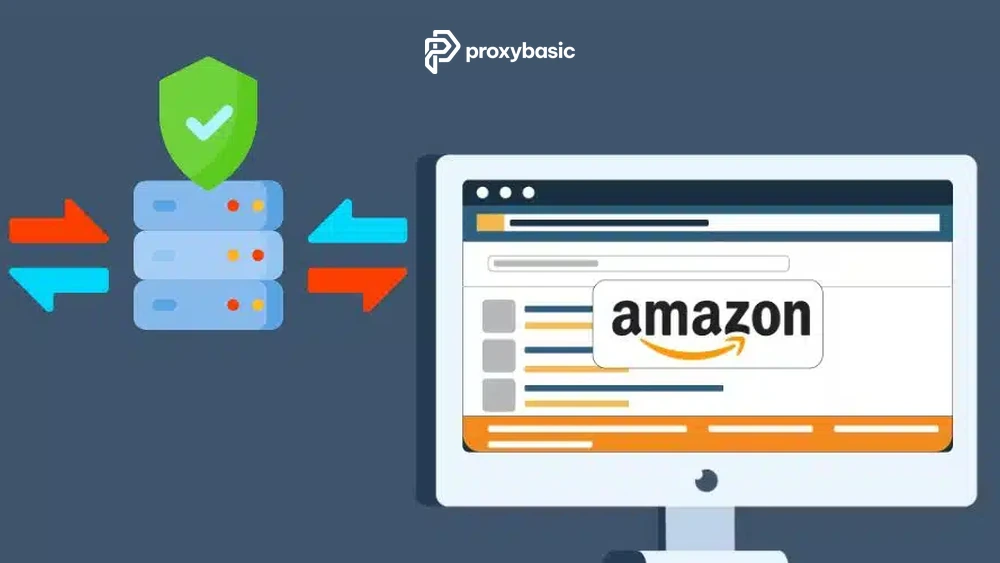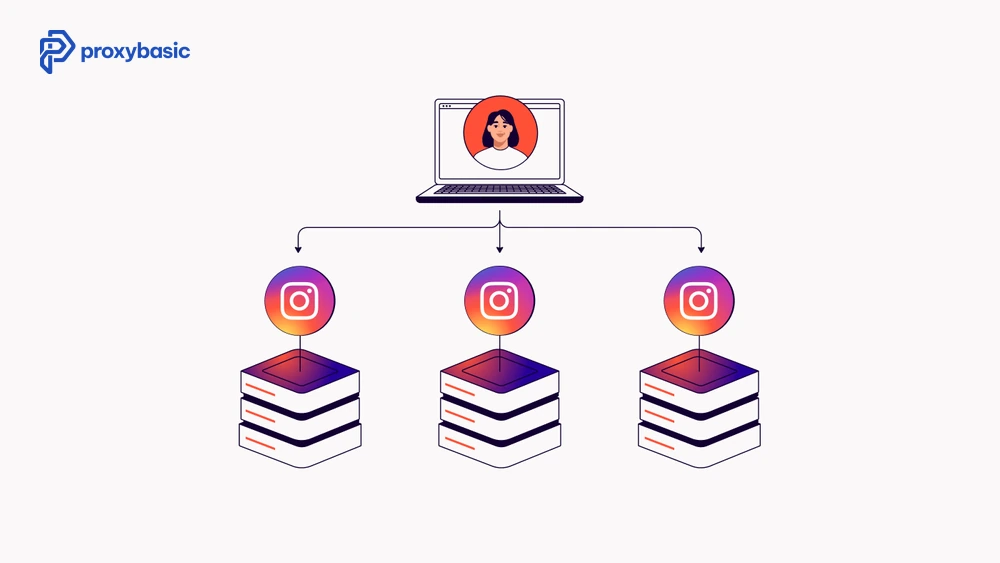
Running multiple accounts on Amazon, eBay, Facebook, Twitter, Instagram, or any other platform without getting banned requires more than just separate email addresses. For safer multi account management with residential proxy, you need to control IP addresses, browser fingerprints, and behavior patterns together. This is especially important when managing multiple Twitter accounts or managing multiple Instagram accounts, where login patterns, device signals, and location history are closely monitored. Residential proxies solve the IP side of this problem. Here is how to set them up correctly and avoid the mistakes that get accounts flagged anyway.
Why Multi-Account Management Needs Residential Proxies
Platforms ban multiple accounts for two main reasons: policy violations and detection. Detection happens when the same IP address shows up across two or more accounts. Even if your accounts serve legitimate purposes, separate brand storefronts, regional test accounts, or client social profiles, a shared IP can trigger an automatic ban. For agencies, sellers, and growth teams, multi account management with residential proxy helps separate each account’s IP identity and reduce the chance of platform-level account linking.
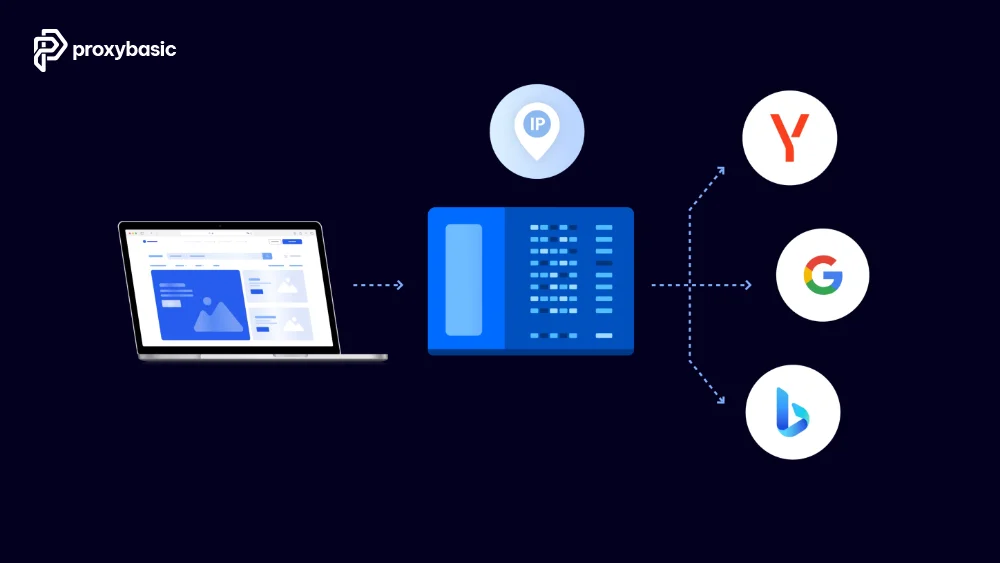
Residential proxies assign your traffic to IPs tied to real home internet connections. From the platform’s perspective, each account appears to come from a different household in a different location.
How Platforms Detect Multiple Accounts
Most platforms cross-reference:
- IP address and IP range history
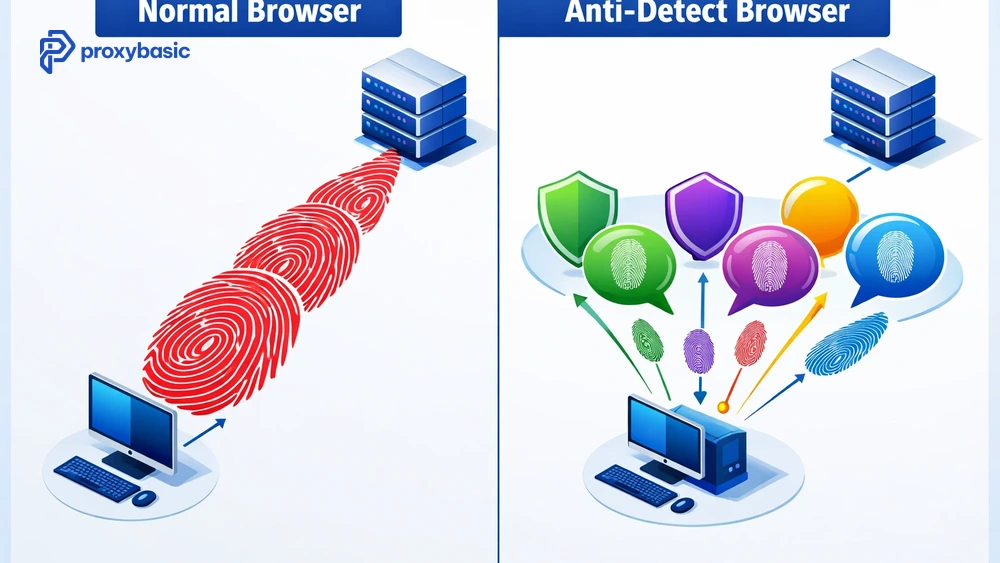
- Device fingerprint (browser type, screen size, fonts, canvas hash)
- Behavioral signals (login times, activity patterns)
- Payment and contact information overlap
A proxy handles the IP layer. For the rest, you need an anti-detect browser, covered below. This is why an undetected multi-account proxy setup cannot rely on IP rotation alone. It also needs stable sessions, isolated browser profiles, and behavior patterns that do not overlap between accounts.
Beyond the IP: Creating a Consistent Digital Identity
Effective multi-account management is about more than just rotating IPs; it is about creating a cohesive digital fingerprint. Platforms like Facebook and Amazon use cross-platform tracking to see if the “user” behind a residential proxy matches the hardware profile. When using a residential proxy for multi-login, the proxy location, timezone, browser language, and device fingerprint should all match the identity of that account. A strong undetected multi-account proxy setup should make each profile look like a separate real user, not just a different IP address.
When you use an anti-detect browser, you are modifying parameters like WebGL metadata and Canvas noise. However, if these parameters are paired with a low-quality proxy, the platform sees a mismatch.
For instance, a high-end MacBook Pro fingerprint appearing from a low-speed residential proxy in a rural area might trigger a manual review. True multi-account management excellence requires aligning your residential proxies with your device’s virtual location and time zone.
Why Datacenter Proxies Fail for Multi-Accounting
Datacenter IPs are registered to hosting companies, not individuals. Amazon, Facebook, and most major platforms maintain blocklists of known datacenter ranges. Logging into an account from a Hetzner or AWS IP raises an immediate flag.
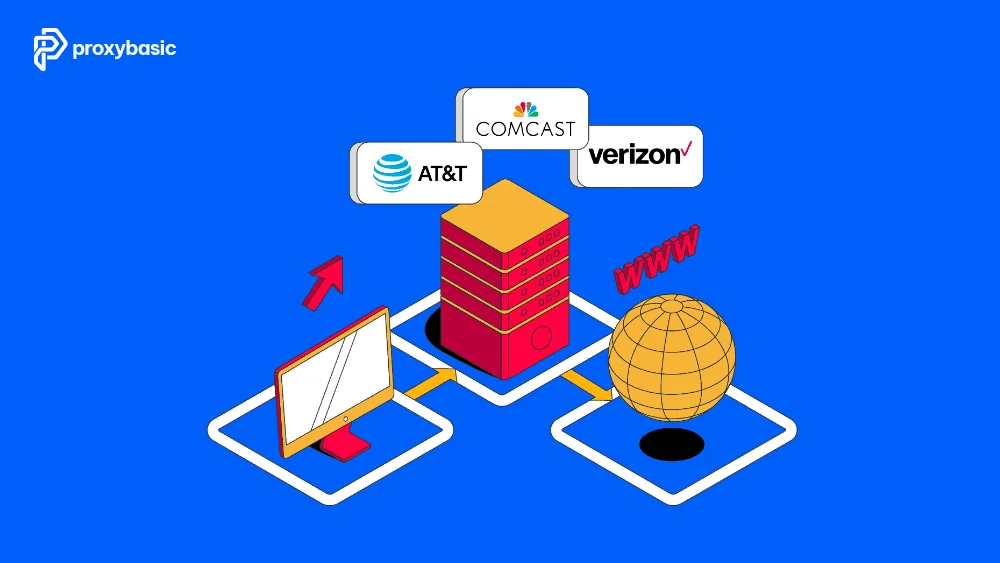
Residential proxies use IPs registered to real ISPs, Comcast, AT&T, BT, and Deutsche Telekom. They pass platform trust checks because they look like real users, not servers.
How Residential Proxies Work for Multiple Accounts
When managing multiple accounts, understanding how residential proxies assign and maintain IPs is very important. For multi account management with residential proxy, a proper setup helps keep each account separate, maintain a stable identity, and reduce the risk of being flagged or banned.
IP Assignment and Session Control
When we use a residential proxy, the provider assigns us an IP address from a pool of real devices connected through Internet Service Providers (ISPs). This means our traffic appears to come from a normal home user instead of a server or data center.
The proxy acts as a middle layer, routing all requests through that residential IP and hiding our real location. From the platform’s perspective, each request looks like it is coming from a real person using the internet normally.
For multi-account management, the most important factor is how long that IP stays assigned to one account. When using a residential proxy for multi-login, session control becomes critical because each account needs a stable IP during login and account activity.
Sticky Sessions vs Rotating Sessions for Account Management
There are two main ways proxies handle IP assignment: rotating sessions and sticky sessions.
Rotating sessions (frequent IP changes)
In this mode, the proxy assigns a new IP for each request or after a short period. This works well for tasks like web scraping because it helps avoid rate limits. However, for account management, it is risky. If an account suddenly appears from different IPs within minutes, platforms may detect it as suspicious behavior or automation.
Sticky sessions (stable IP over time)
A sticky session keeps the same IP address for a set period, usually between 10 and 30 minutes or longer. This closely matches real user behavior, where a person stays connected from the same location during a browsing session.
For managing multiple accounts safely, sticky sessions are the preferred choice. They allow each account to maintain a consistent identity during login and activity. If you need to manage multiple accounts proxy sessions at the same time, assign one sticky session to each account and avoid sharing IPs between profiles.
Setting Up Residential Proxies for Managing Multiple Social Media Accounts
When setting up a residential proxy for multi-login, consistency is key. Using the correct proxy setup along with proper browser isolation ensures each account operates independently and securely. The proxy, browser profile, cookies, timezone, and account location should stay aligned for each account.
One Proxy Per Account: The Core Rule
Each account must use a unique, dedicated IP. If two accounts ever share an IP, even for a brief moment, the platform links them. Use one sticky session per account and never reuse IPs across accounts.
Most proxy providers let you spin up multiple sticky sessions simultaneously. Assign one session per account and track which IP corresponds to which profile in a spreadsheet or account manager tool.
Pairing Proxies with Anti-Detect Browsers
A residential proxy masks your IP, but platforms also fingerprint your browser. An anti-detect browser (Multilogin, Adspower, GoLogin) creates separate browser profiles, each with a unique fingerprint, different user-agent, canvas hash, timezone, and language settings.
The correct setup:
- Create a browser profile in your anti-detect browser
- Assign a sticky residential proxy session to that profile
- Log in to your account only from that profile + proxy combination
- Never open that account from any other browser or IP
This combination covers both the IP layer and the fingerprint layer.
Platform-Specific Tips
Different platforms apply different detection methods, so we need to adjust our proxy setup based on each use case. For teams that need help managing multiple accounts, the tips below can improve performance and reduce risks across major platforms.
Multi-Account Management on Amazon Seller Central
Amazon bans related accounts aggressively. Beyond IP and browser fingerprint, they check payment methods and shipping addresses. Use separate payment cards and contact information per account. Residential proxies with US geo-targeting work best for US marketplace accounts , match the proxy location to the account’s registered country.
Managing Multiple Social Media Accounts
When managing multiple Facebook accounts, managing multiple Instagram accounts, or managing multiple TikTok accounts, IP consistency is only one part of the setup. These platforms also track login behavior, posting speed, device fingerprints, and location patterns. The same logic applies when managing multiple Twitter accounts, especially if accounts log in from different regions or repeat similar actions too quickly. Vary your activity timing per account and use residential proxies with city-level targeting to match each account’s supposed location.
Dropshipping and E-Commerce Tools
Tools like AutoDS, DSers, and Zik Analytics connect to your seller accounts via API. Route these tool connections through the same proxy you use for the account’s browser session. If the API calls come from a different IP than your browser logins, platforms log the discrepancy.
Best Residential Proxies for Managing Multiple Social Media Accounts
When managing multiple accounts, not all residential proxies perform the same. The most important factors are IP trust level, session stability, and how long a sticky session can hold the same IP. Below are some of the most reliable providers based on real-world performance:
|
Provider |
Best For |
Session Type |
Trust Score |
|
Decodo |
E-commerce, multi-account use |
Sticky session (up to 30 min) |
High |
|
NodeMaven |
High-security logins |
Clean IP filtering + sticky session |
Very High |
|
GoUndetected |
Anti-detect + multi-account |
Integrated session + fingerprint |
High |
|
IPRoyal |
Long-term accounts |
Static residential proxy |
Exceptional |
|
Bright Data |
Global scaling, large setups |
Flexible residential proxies |
High |
Before choosing, we should always consider how long we need the IP to stay stable and how sensitive the platform is to IP changes.
Decodo (ex Smartproxy)
Decodo is a strong all-around choice for multi-account management and works well as a residential proxy for multi-login when you need stable sticky sessions for login and account activity. It offers reliable sticky sessions that can last up to 30 minutes, which is ideal for login sessions and account activity. Their large US residential IP pool also helps maintain consistency and reduces the risk of detection.
NodeMaven
NodeMaven is known for high-quality residential IPs with strong filtering systems. Their proxies are often labeled as “clean IPs,” meaning they have little or no history of bans. This makes them a popular choice for high-security logins and sensitive accounts.
GoUndetected
GoUndetected is designed specifically for multi-accounting setups, making it a strong option for users who need an undetected multi-account proxy workflow combined with anti-detect browser profiles. It works especially well when paired with anti-detect browsers, helping users manage multiple profiles with separate identities, including IP, fingerprint, and session data.
IPRoyal
IPRoyal stands out for its static residential (ISP) proxies, which provide a fixed IP address over a long period. This is perfect for accounts that require stability, such as aged accounts or long-term business profiles. It is also one of the more affordable options.
Bright Data
Bright Data is best suited for large-scale operations. It offers a massive residential proxy network with advanced geo-targeting options. This is useful when managing accounts across multiple countries or regions.
Each provider serves a different need. Decodo and NodeMaven are strong for account safety, IPRoyal is best for long-term stability, GoUndetected simplifies multi-account setups, and Bright Data works best for scaling across regions.
The Daily Workflow for Professional Multi-Account Management
To ensure your accounts remain safe, follow this strictly sequenced workflow for multi account management with residential proxy. This process keeps your anti-detect browser, sticky session, and account profile working together in perfect harmony:
- Warm-up the Session: Before logging into your target account, use your residential proxy to browse a few neutral sites (like news or weather). This populates your anti-detect browser with “fresh” cookies, making you look like a human browsing naturally.
- Verify the Sticky Session: Confirm your sticky session is active by checking your IP on a tool like ipinfo.io.
- Execute Tasks: Complete your multi-account management tasks (posting, replying, or managing orders).
- Cool Down: Stay on the page for a few minutes after finishing. Sudden logouts can sometimes be seen as bot-like behavior.
- Profile Isolation: Close the anti-detect browser profile entirely before switching to your next account’s residential proxy.
Mistakes That Get Accounts Banned Anyway
Even with residential proxies, accounts can still get banned if the setup is inconsistent. An undetected multi-account proxy workflow only works when IPs, browser profiles, locations, and behavior patterns stay separate. Watch out for these common errors:
- Sharing IPs between accounts, the most common mistake. Always verify that your sticky session has not been reused before logging in.
- Logging in from multiple locations in short periods, if an account shows activity from New York and then Germany 10 minutes later, the platform flags it. Pick one geo-targeted IP per account and stick to it.
- Reusing browser profiles, clearing cookies, and reusing the same browser profile defeat the purpose. Each account needs its own persistent profile with its own proxy.
- Ignoring behavioral signals, posting the same content at the same time, across accounts, still gets flagged even if the IPs are different. Vary timing, content, and activity patterns.

Conclusion
Multi account management with residential proxy works best when residential IPs are combined with anti-detect browsers, sticky sessions, and consistent behavior patterns. A residential proxy for multi-login protects the IP layer, but each account still needs its own browser profile, location, cookies, and activity pattern. Pair your proxies with an anti-detect browser, use sticky sessions with one IP per account, match your proxy location to your account’s registered region, and keep behavior patterns distinct across accounts.
Providers like Decodo, NodeMaven, and IPRoyal cover the IP side reliably. The rest comes down to operational discipline, one profile, one proxy, one account. Visit proxybasic.com for up-to-date proxy comparisons for multi-account setups.