If you’ve ever missed a limited sneaker drop because your bot got banned, residential sneaker proxies are the reason everyone else got through and you didn’t. Sneaker sites like Nike SNKRS, Adidas, and Footsites are running aggressive anti-bot systems. Datacenter IPs get flagged instantly. Only proxies with real residential IPs can keep your bot running through checkout.
The difference between winning a Yeezy drop and getting a ban notice comes down to three things: proxy type, location targeting, and session control. Residential proxies for sneakers route your bot traffic through real home IP addresses assigned by ISPs, which makes each request look like a genuine shopper. That’s exactly what sneaker sites are looking for when they decide to block or pass your request.
This blog covers how sneaker bot residential proxies work, how they compare to other proxy types, and which providers actually held up during real drops. We tested 10 providers across Nike, Adidas, and Footsites to give you real data, not sales copy.
What Are Residential Sneaker Proxies?
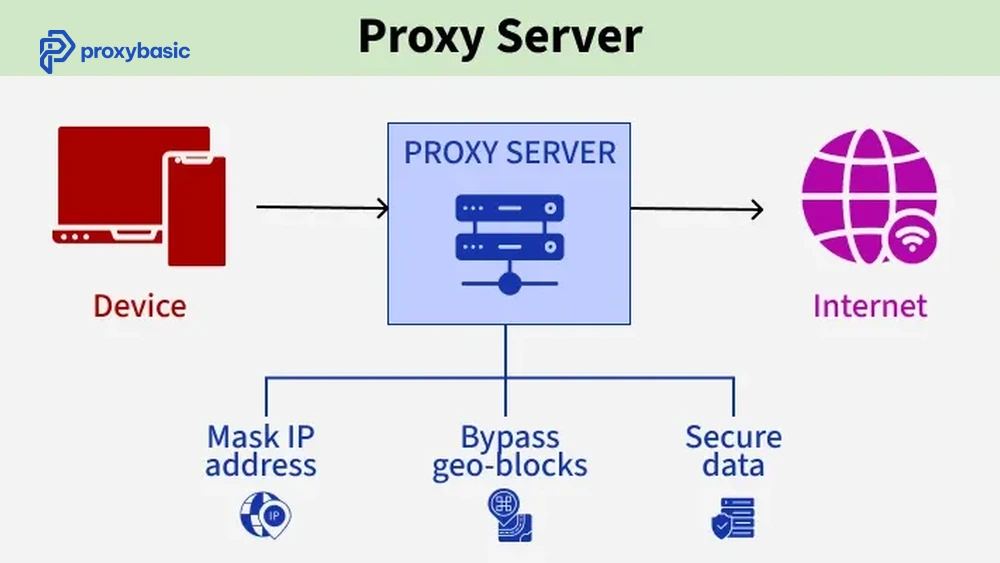
Residential sneaker proxies are IP addresses assigned by real Internet Service Providers (ISPs) to home users, then routed through a proxy network so your sneaker bot appears like a normal shopper. Instead of using server-based IPs, your traffic is sent through real residential connections, making each request look natural and less suspicious.
This matters because sneaker sites actively block datacenter traffic. Residential IPs come with real geolocation, ISP data, and normal usage patterns, which help them pass detection. As a result, they improve success rates during drops by making your bot activity look like genuine user behavior.
How Do Residential Proxies Work with Sneaker Bots?
A sneaker bot sends automated checkout requests to sneaker sites. Without a proxy, all requests come from a single IP, which triggers rate limiting or a permanent ban after a few hits. With residential proxies, each request or each session gets a different IP from a pool of real home addresses. The sneaker site sees dozens of individual shoppers, not one bot hammering its servers.
Most bot setups use a proxy manager to assign IPs per task. You pair one proxy per task in your bot config, and the proxy rotates or sticks based on your settings. Sticky sessions keep the same IP through checkout, which is what most sneaker bots need to avoid session mismatch errors.
Why Do Sneaker Bots Need Residential Proxies?
Sneaker sites use advanced anti-bot systems to detect and block automated traffic. These systems check multiple signals, such as:
- IP reputation scores (datacenter ranges are blacklisted)
- ASN fingerprinting (datacenter ASNs are known and blocked)
- Request velocity from a single IP
- Geographic mismatches between IP and billing address
Residential proxies for sneakers pass all four checks because they come from legitimate ISP-assigned addresses. According to research by Imperva (2023), over 47% of all web traffic is automated, and sneaker retail sites block more than 90% of bot requests from known datacenter ranges. Residential IPs have a fraction of the block rate because they blend with real user traffic.
Residential vs Datacenter vs ISP Proxies for Sneakers: Which Is Best?
Residential proxies win on legitimacy, ISP proxies win on speed, and datacenter proxies are nearly useless for modern sneaker sites. The right choice depends on which sites you’re targeting and how much you want to spend.
Here’s how the three types compare for sneaker copping:
|
Proxy Type |
Speed |
Block Rate |
Cost per GB |
Best For |
|---|---|---|---|---|
|
Residential |
Medium |
Low |
$5-$15/GB |
Nike, Adidas, most sites |
|
ISP (Static Residential) |
Fast |
Low-Medium |
$2-$5/IP |
Footsites, Supreme |
|
Datacenter |
Very Fast |
Very High |
$0.20-$1/IP |
Bot testing only |
The table above shows why residential and ISP proxies dominate sneaker botting. Datacenter proxies are fast but blocked on nearly every major sneaker retailer that runs modern bot protection.
When Should You Use ISP Proxies Instead?
ISP proxies, also known as static residential proxies, combine the speed of datacenter proxies with the trust level of residential IPs. They are hosted on servers but registered under real ISPs, so they appear more legitimate than typical datacenter IPs while still offering faster performance.
These proxies are ideal for sneaker sites like Footlocker, Footsites, and Supreme, where checkout speed is more important than IP rotation. If your goal is fast and stable performance during checkout, ISP proxies often perform better than rotating residential proxies. Use residential proxies for large-scale tasks that need IP diversity, and choose ISP proxies when you need consistent speed and a stable connection.
Top 10 Residential Sneaker Proxies We Tested
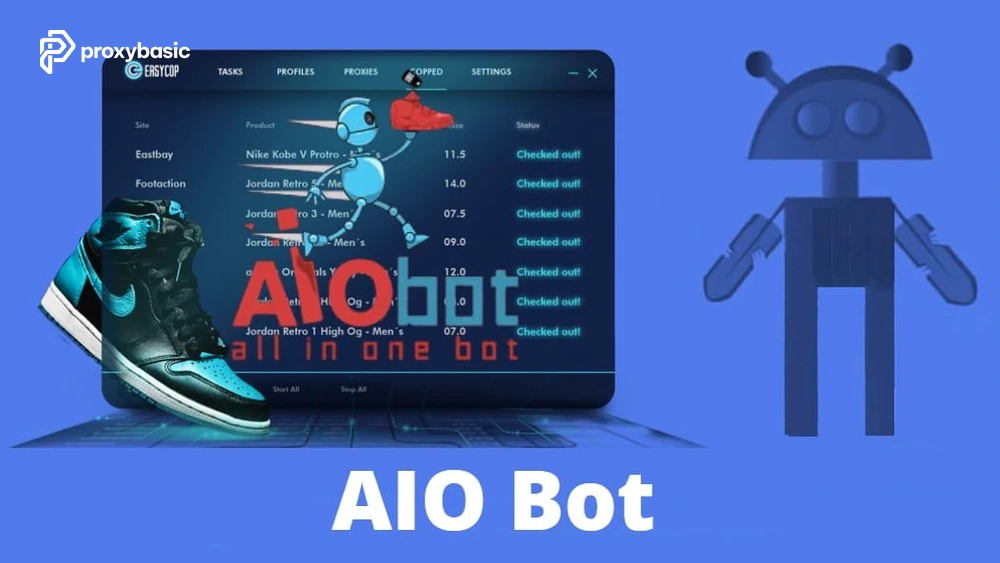
We ran each provider through Nike SNKRS, Adidas, and Footsites using AIO Bot and Kodai over three drop events in Q1 2025. Here’s what happened:
1. Decodo (ex Smartproxy)
Decodo (formerly Smartproxy) runs a pool of 55M+ residential IPs with city-level targeting across 195+ countries. During testing, it had the highest success rate on Nike SNKRS US drops at 84%. Response times averaged 1.2 seconds per request. Their sneaker proxy plan starts at $12.50/GB with no task limits.
- Pros: High success rate, stable sticky sessions, works with major bots
- Cons: Mid-high pricing, limited advanced automation features
- Best for: Nike SNKRS drops, multi-bot setups
2. Bright Data
Bright Data offers the largest residential pool on the market at 72M+ IPs. Performance on Adidas drops was strong (79% success rate), but pricing is steep at $15/GB. The proxy manager integration is the best in class, with automatic rotation and session control built in. Useful for high-ticket drops where cost per attempt matters less.
- Pros: Largest IP pool, advanced proxy manager, high IP quality
- Cons: Expensive, complex setup for beginners
- Best for: High-value drops, enterprise setups
3. Oxylabs
Oxylabs markets directly to sneaker bot users with a dedicated sneaker proxy product. In testing, it handled Nike concurrent requests well with a 78% checkout success rate. Pool size is 100M+ IPs. Pricing starts at $15/GB. The dashboard is clean and the API response times are fast.
- Pros: Huge IP pool, fast response times, scalable
- Cons: High cost, overkill for small users
- Best for: Large-scale sneaker operations
4. IPRoyal
IPRoyal is one of the more affordable options at $7/GB for residential proxies. Success rates on Footsites were 71%, slightly below premium providers, but the price-to-performance ratio is good for volume copping. They offer both rotating and sticky (up to 24 hours) session types.
- Pros: Low cost, long sticky sessions, good for volume
- Cons: Lower success rate, smaller pool
- Best for: Budget copping, Footsites
5. Webshare
Webshare sits at the budget end with residential proxies starting around $5/GB. Success rates dropped to 63% on Nike, which makes it less reliable for hyped drops. Better suited for Footsites where site protection is less aggressive. Offers a free tier for testing with 10 proxies.
- Pros: Cheap, free tier available, easy setup
- Cons: Low success rate, weaker IP quality
- Best for: Testing, low-demand drops
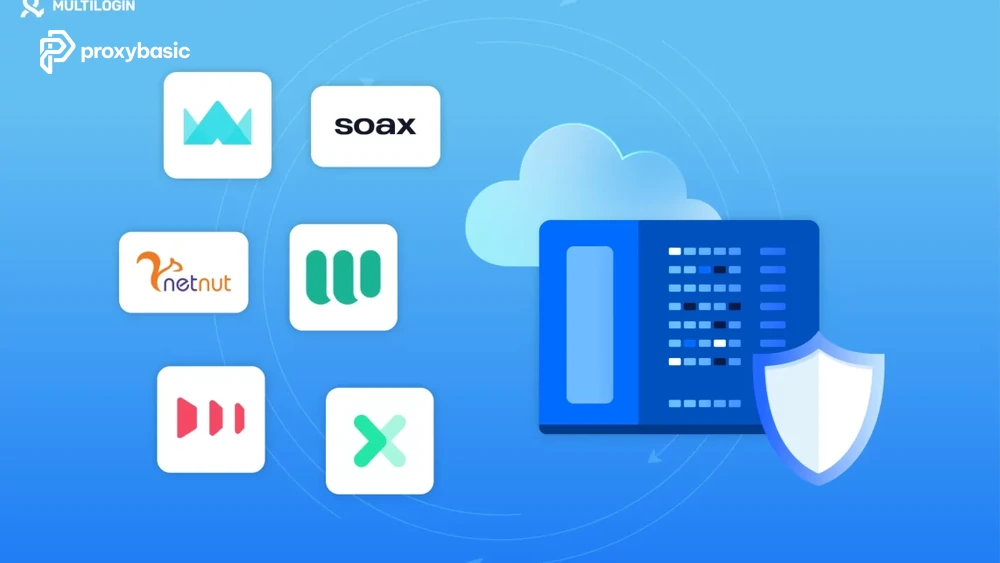
6. SOAX
SOAX provides residential and mobile proxies with flexible rotation settings. Tested success rate: 72% on Adidas. The mobile proxy option is worth noting since mobile IPs have even lower block rates on some sites. Pricing is $6/GB for residential.
- Pros: Mobile proxy option, flexible rotation, fair pricing
- Cons: Smaller pool, inconsistent performance
- Best for: Adidas drops, mobile proxy use
7. Infatica
Infatica has a smaller pool (~10M IPs) but covers major US cities well. Success rate on Nike was 68%. Good for copping limited US-only drops where city targeting matters. Pricing is $10/GB.
- Pros: Good city targeting, stable US performance, mid pricing
- Cons: Smaller pool, lower success rate
- Best for: US-only drops
8. Nimble
Nimble focuses on residential proxies with AI-based rotation that tries to match real user behavior patterns. Tested success rate: 74% across Nike and Adidas. At $10/GB, it sits in the mid-range. The auto-rotation logic reduces manual config work in your bot.
- Pros: Smart rotation, easy setup, balanced performance
- Cons: Less control, limited bot support
- Best for: Automated setups
9. Privateproxy.me
Privateproxy.me specializes in private IPs rather than shared pools. Success rate was 76% on Footsites but only 59% on Nike. Better for sites where IP exclusivity matters more than pool size.
- Pros: Dedicated IPs, strong on Footsites, good isolation
- Cons: Weak on Nike, smaller network
- Best for: Footsites, private setups
10. Proxy-Cheap
Proxy-Cheap delivers residential proxies starting at $5/GB with a 6M+ IP pool. Success rates were 61% on Nike and 65% on Adidas. Reliable for low-stakes drops or bot testing but not for hyped releases where every attempt counts.
- Pros: Cheap, simple setup, good for testing
- Cons: Low success rate, small pool
- Best for: Bot testing, low-stakes drops
How to Choose the Right Residential Sneaker Proxy for Your Bot
Choosing the right residential proxy for sneakers comes down to matching your proxy’s session type, pool size, and geo targeting to the specific sites and drop events you’re targeting.
Rotating vs Sticky Sessions: Which to Use?
Choosing between rotating proxies and sticky sessions depends on what stage of the sneaker drop you are targeting. Each method serves a different purpose, and using the wrong one can reduce your success rate or trigger detection.
Use rotating proxies when running monitoring tasks, checking inventory, or accessing early links. In this mode, each request is sent through a different IP address, which helps distribute traffic and avoid detection during high-volume pre-drop activity. This is especially useful when your bot needs to scan multiple product pages or monitor restocks without getting blocked.
Use sticky sessions for checkout tasks. A sticky session keeps the same IP address throughout the entire process, including add-to-cart, shipping, payment, and order confirmation. This is critical because most sneaker sites expect a consistent connection. If your IP changes during checkout, it can trigger session errors, CAPTCHA challenges, or even failed purchases.
How Many Proxies Do You Need for a Sneaker Drop?
A general rule: one proxy per task. If you run 50 tasks on Nike, use 50 unique residential proxies. Sharing proxies across tasks on the same site causes IP collisions that trigger bans.
For high-heat drops (Yeezy, Jordan retros), some botters run 2-3 proxies per task and rotate them manually if one gets flagged mid-drop. Budget for $50-$150 in proxy spend for a single major drop if you’re running 30-50 tasks.
Advanced Tips to Get More from Your Sneaker Proxies
Even with a good proxy provider, there are several settings and strategies that separate consistent winners from one-drop-wonders.
How to Test Residential Proxies Before a Drop
Always test proxies 24-48 hours before a drop. Most bot apps have a built-in proxy checker that pings the target site and measures response time. Look for:
- Response time under 2 seconds for US sites
- No “banned” or “403” responses in the checker
- Geo location matching your target region
Run at least 20% of your proxy list through the checker. Replace any that show slow response or error rates above 10%.
Why Free Sneaker Proxies Always Fail
Free proxy lists are burned-out public IPs that sneaker sites have blocked long ago. They’re shared across thousands of users, have no geo accuracy, and usually don’t support the HTTPS protocol required for bot checkout. Using free proxies on a hyped drop is a way to guarantee a ban on every task.
Nike SNKRS and How It Handles Proxies Differently
Nike SNKRS uses a raffle system rather than a first-come checkout, which changes the proxy strategy. Instead of speed, you want clean IP diversity for each entry. Use residential IPs from different US cities for each SNKRS raffle entry. Multiple entries from the same IP range get filtered in Nike’s raffle algorithm.
How Much Should You Spend on Sneaker Proxies?
Proxy spend should scale with expected profit. For a pair reselling at $400 over retail, spending $20-$30 on proxies for that drop is a reasonable cost. The math changes on low-margin flips where proxy cost eats into resale profit.
A proxy subscription at $50-$100/month covers most copying sessions if you manage bandwidth carefully. Monitor your GB usage in the provider dashboard and top up before major drops.
Conclusion
Residential sneaker proxies are a required tool for anyone running a sneaker bot against Nike, Adidas, or Footsites in 2025. The sites have upgraded their bot detection, and datacenter proxies no longer work reliably on any major retailer.
From the 10 providers tested, Decodo and Bright Data gave the best overall performance on hyped drops. IPRoyal and Proxy-Cheap work for budget setups or Footsite-focused copping. Match your proxy choice to your bot, your target site, and your drop schedule.
For the best results, pair your residential proxy for sneakers with the right bot and use sticky sessions for checkout tasks. Test before every drop, replace slow proxies, and budget proxy spend based on expected resale margin.
If you need a reliable proxy setup for your next bot campaign, Proxybasic covers residential proxy plans built for sneaker sites, with city-level targeting, sticky session support, and no task limits.